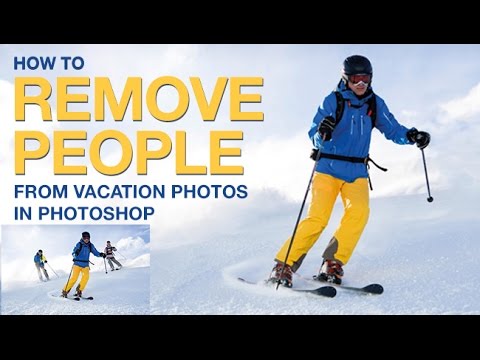
On this basic but important video tutorial Aaron Nace from Phlearn look at several different tools for removing people (and objects) from images in Photoshop. There are many ways to remove unwanted…
On these two quick videos, portrait photographer Nathaniel Dodson (from the website tutvid), looks at another two sets of tools in Photoshop this time we take a look at the patch and healing…
On this quick video portrait photographer Nathaniel Dodson (from the website tutvid) shows two simple ways to remove (or reduce) the appearance of veins in the eyes using Photoshop. Today’s high res cameras are…
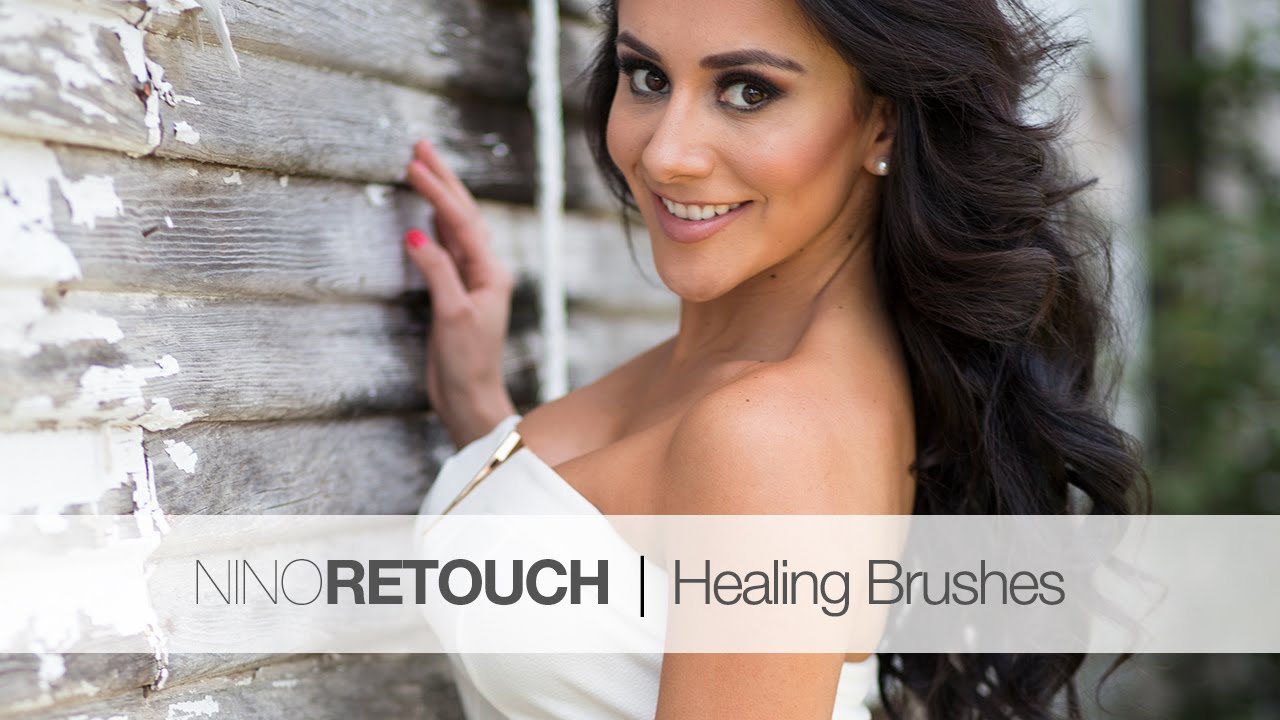
On this Photoshop tutorial (part of a beginner’s series), glamour and fashion photographer Nino Batista takes a look at the different healing brushes in Photoshop. Batista stats with the spot healing brush…
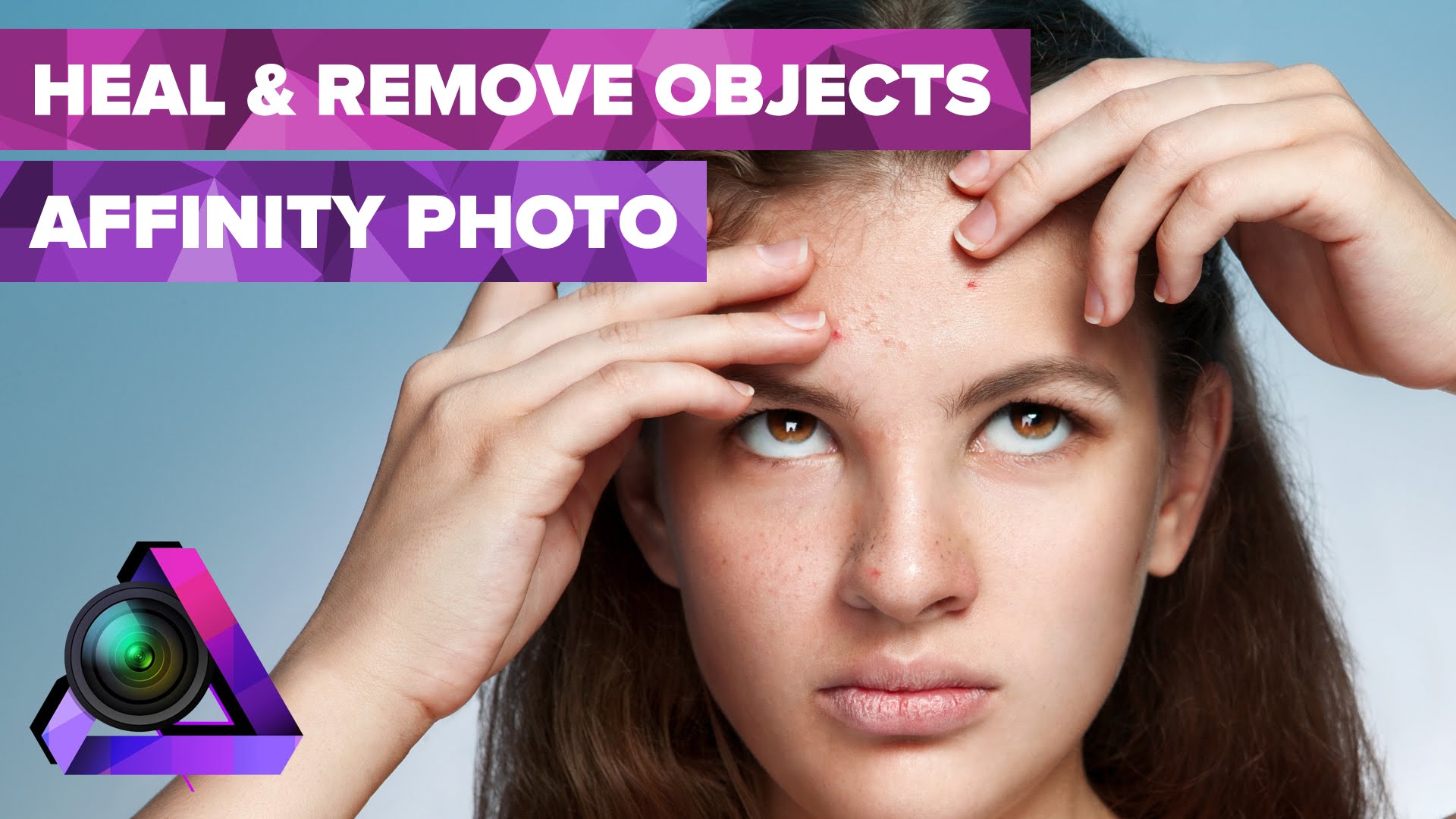
On this video, Howard Pinsky shows you how you can heal or remove blemishes using the (currently free) beta of the Affinity Photo software. In this tutorial Pinsky shows how to use the blemish…
This video by Pye from slrlounge takes a look at a simple technique that will help you to use the healing brush and clone stamp tool better. Most people simply clone the…
In this video photographer Michael Woloszynowicz (from vibrantshot) takes a look at retouching lips of a model in Photoshop using different techniques including frequency separation, healing brush, clone-stamp tool, texture grafting and…
Lightroom 5 brought with it an improved healing brush and this video by Colin Smith from the photoshopcafe shows a few of the things that you can do with the…
Earlier today Adobe announced the new full Lightroom 5 (after a few months of beta). In this short video photographer Sean Teegarden demonstrates the power of the new advanced healing…
This website uses cookies to improve your experience. We'll assume you're ok with this, but you can opt-out if you wish. Cookie settingsACCEPT
Privacy & Cookies Policy
Privacy Overview
This website uses cookies to improve your experience while you navigate through the website. Out of these cookies, the cookies that are categorized as necessary are stored on your browser as they are essential for the working of basic functionalities of the website. We also use third-party cookies that help us analyze and understand how you use this website. These cookies will be stored in your browser only with your consent. You also have the option to opt-out of these cookies. But opting out of some of these cookies may have an effect on your browsing experience.
Necessary cookies are absolutely essential for the website to function properly. This category only includes cookies that ensures basic functionalities and security features of the website. These cookies do not store any personal information.
Any cookies that may not be particularly necessary for the website to function and is used specifically to collect user personal data via analytics, ads, other embedded contents are termed as non-necessary cookies. It is mandatory to procure user consent prior to running these cookies on your website.