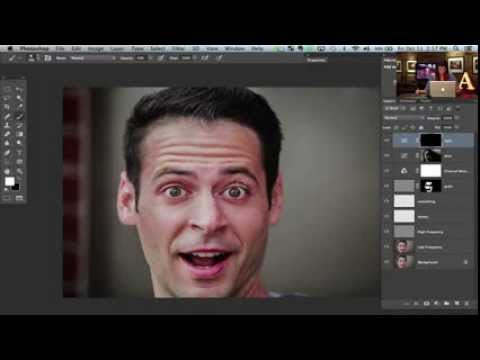
On this video tutorial by Jamie Bayer from Phlearn you’ll learn how to do split frequency retouching. This isn’t the first time we have been showing you different techniques for split…
Ever shot a portrait and discovered that the skin of your subject seems too oily or shiny? on this video photographer Lee Varis uses a basic approach of frequency separation…
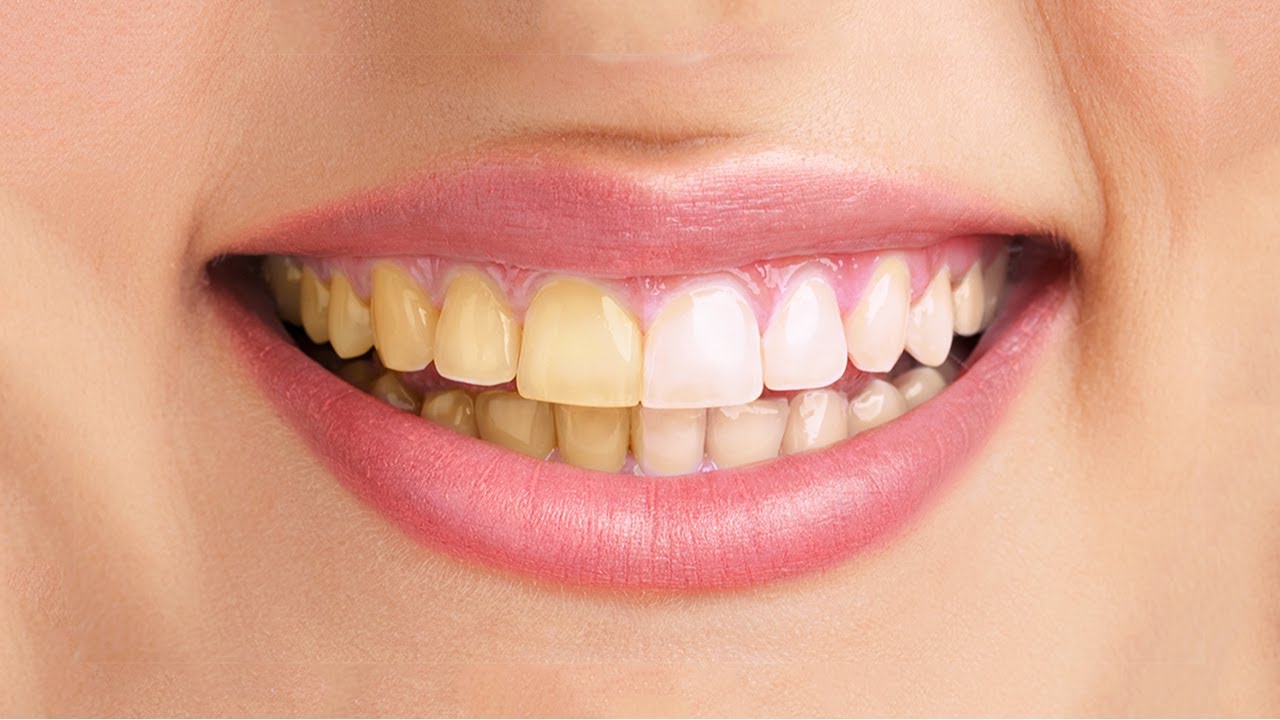
This video tutorial by Howard Pinsky will show you how to fix yellow teeth in both Lightroom and Photoshop using various methods – such as the Adjustment Brush, and Adjustment Layers….
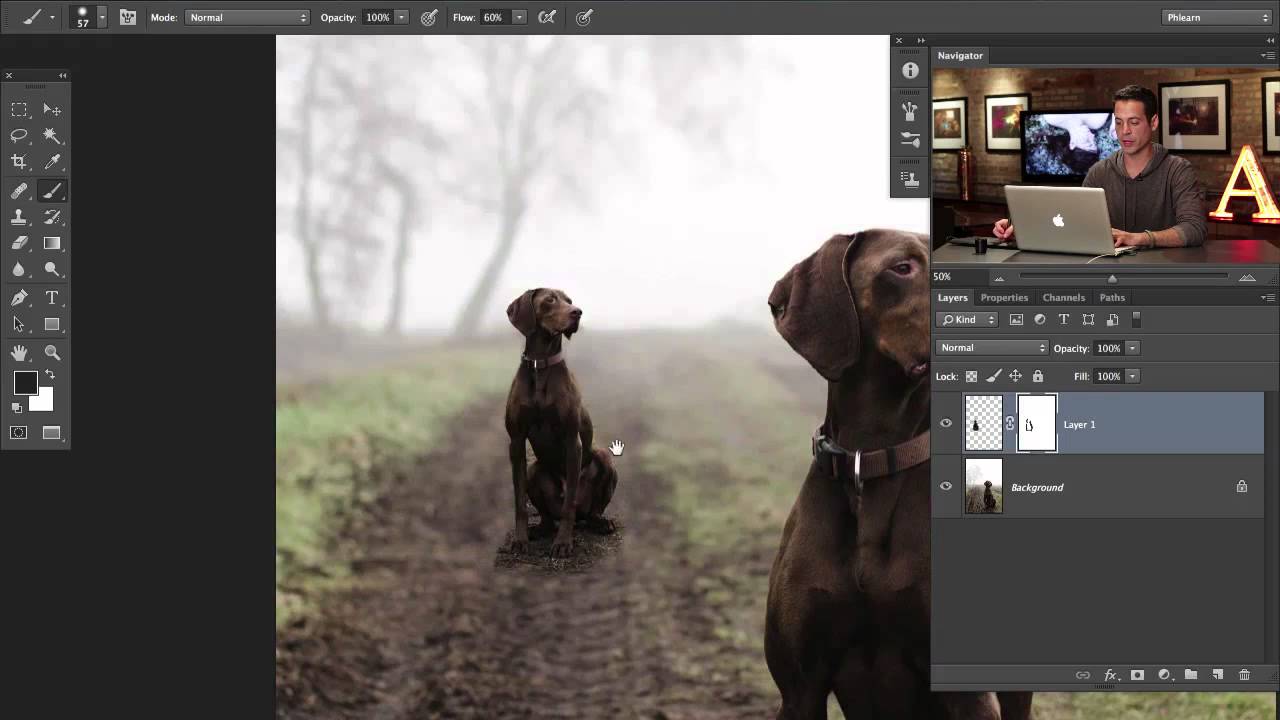
On this video tutorial by Aaron Nace from Phlearn you will learn how to duplicate an object while maintaining the proper perspective during the transform. Nace uses smart objects and several…
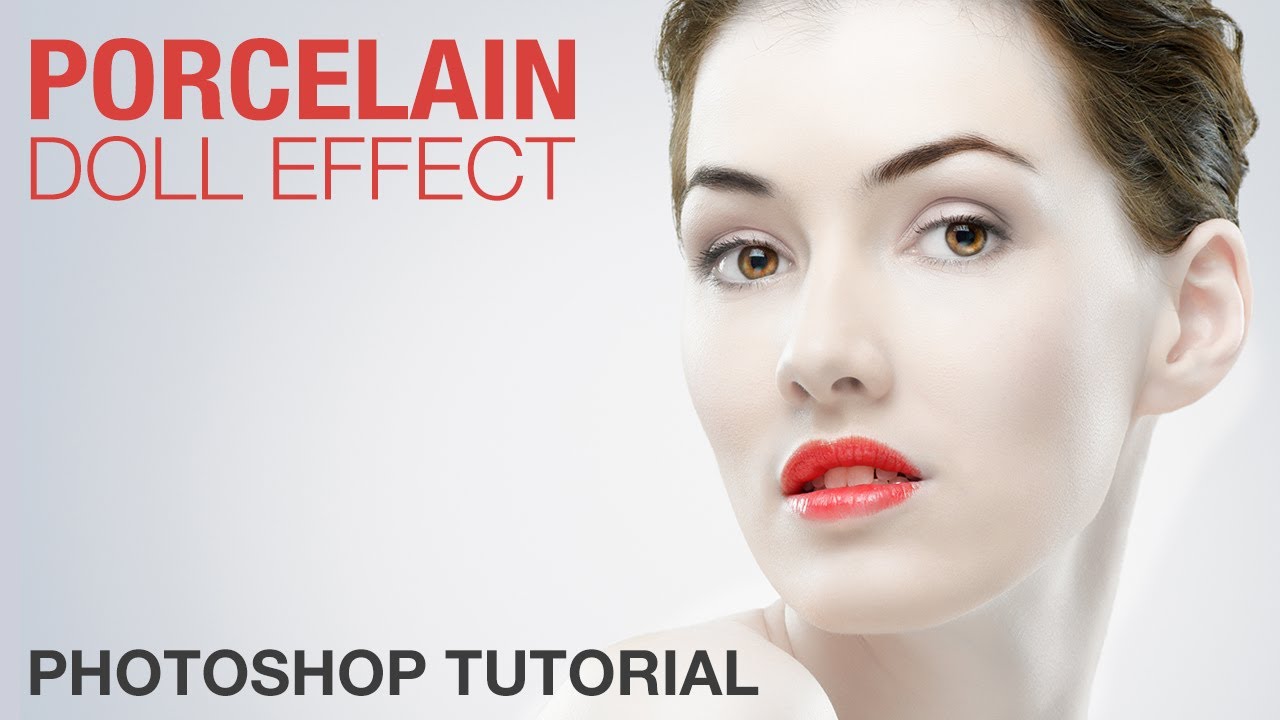
This video tutorial by Howard Pinsky will show you how to create porcelain doll effect in Adobe Photoshop using vibrance adjustment, layers, smart objects and more. Pinsky will also show you…
On this video tutorial by Aaron Nace from Phlearn you will learn how to enhance the shadows of an image using some clever Photoshop techniques without losing details in the rest…
This video tutorial by Howard Pinsky will show you how to create custom bokeh in Photoshop, using a custom brush, blending options, and filters. You can check out more of Pinsky’s…
On this video tutorial by photographer Glyn Dewis you’ll see a quick retouch of a Black & White portrait in Lightroom with a finishing in Photoshop. You can find more…
This video tutorial by Aaron Nace from Phlearn will teach you how to cut a subject out of a (white) background, refine edges and even add the all important shadow so…
Although most wedding photographers use Adobe Lightroom to manage and retouch their photos there are times when they need to switch to Photoshop for more control over their photos. This…
This website uses cookies to improve your experience. We'll assume you're ok with this, but you can opt-out if you wish. Cookie settingsACCEPT
Privacy & Cookies Policy
Privacy Overview
This website uses cookies to improve your experience while you navigate through the website. Out of these cookies, the cookies that are categorized as necessary are stored on your browser as they are essential for the working of basic functionalities of the website. We also use third-party cookies that help us analyze and understand how you use this website. These cookies will be stored in your browser only with your consent. You also have the option to opt-out of these cookies. But opting out of some of these cookies may have an effect on your browsing experience.
Necessary cookies are absolutely essential for the website to function properly. This category only includes cookies that ensures basic functionalities and security features of the website. These cookies do not store any personal information.
Any cookies that may not be particularly necessary for the website to function and is used specifically to collect user personal data via analytics, ads, other embedded contents are termed as non-necessary cookies. It is mandatory to procure user consent prior to running these cookies on your website.