Skip to content
LensVid
 
Home of photography oriented videos
  • Home
  • LensVid Exclusive
  • Photo Gear
    • DIY Gear
    • How Do They Make It
    • New Products
    • Gear Guides
    • Product Reviews & Previews
    • HDSLR
    • Interviews
    • Photo-Technology
    • Photography Commercials
  • Technique
    • DIY
    • Photo Tips
    • HDSLR
    • Lighting
    • Food Photography
    • Macro Photography
    • Landscape photography
    • Product Photography
    • Photography as a Business
    • Fashion & Beauty Photography
  • Post Processing
    • Photoshop
    • Lightroom
    • Premiere Pro
    • Photoshop Elements
    • Other Software
    • Apple Aperture
  • Photo Inspiration
    • Photographers
    • Photography Humor / Fun
    • Behind the Scenes
    • Photo Art
    • TED
    • Timelapse
  • About LensVid
    • Contact Us
    • About LensVid
    • LensVid Advisor
  • Send us your video!
  • More
    • Menu
    • Search
    • Menu
    LensVid
     
    Home of photography oriented videos
    • Search

    Photoshop

    How to Enhance Eyes (and Create realistic Beards) Using Photoshop

    by Iddo GenuthPhotoshopPost ProcessingSeptember 26, 2013September 26, 2013

    This video tutorial by photographer Glyn Dewis takes a look at how you can create a fake beard using Photoshop as well as a somewhat more useful application of the…

    How to Make a Vintage Photo

    by Iddo GenuthPhotoshopPost ProcessingSeptember 25, 2013

    This video tutorial by Aaron Nace from Phlearn will teach you how to make a regular image look more like a vintage image using Adobe Photoshop. In the tutorial Nace explain…

    Photoshop Tutorial: How to Best Use the Refine Edge Tool

    by Iddo GenuthPhotoshopPost ProcessingSeptember 20, 2013

    This video tutorial by Howard Pinsky will show you how to best work with the Refine Edge feature in Photoshop, and how it can drastically improve your selections that contain hair…

    Compositing in Photoshop: an In-Depth Look

    by Iddo GenuthPhotoshopPost ProcessingSeptember 17, 2013March 5, 2014

    On this video photographer Gavin Hoey demonstrates how to create a composite image made from two different images (a model and a background in this case). Hoey goes over different…

    How to Resize Images in Photoshop for Use in Video

    by Iddo GenuthPhotoshopPost ProcessingSeptember 15, 2013

    On this quick tip video Richard Harrington (from DP BestFlow) shows you how to adjust photographs in Photoshop to make sure they are ready for your video project in terms…

    How to Blend Multiple Images in Photoshop

    by Iddo GenuthPhotoshopPost ProcessingSeptember 11, 2013

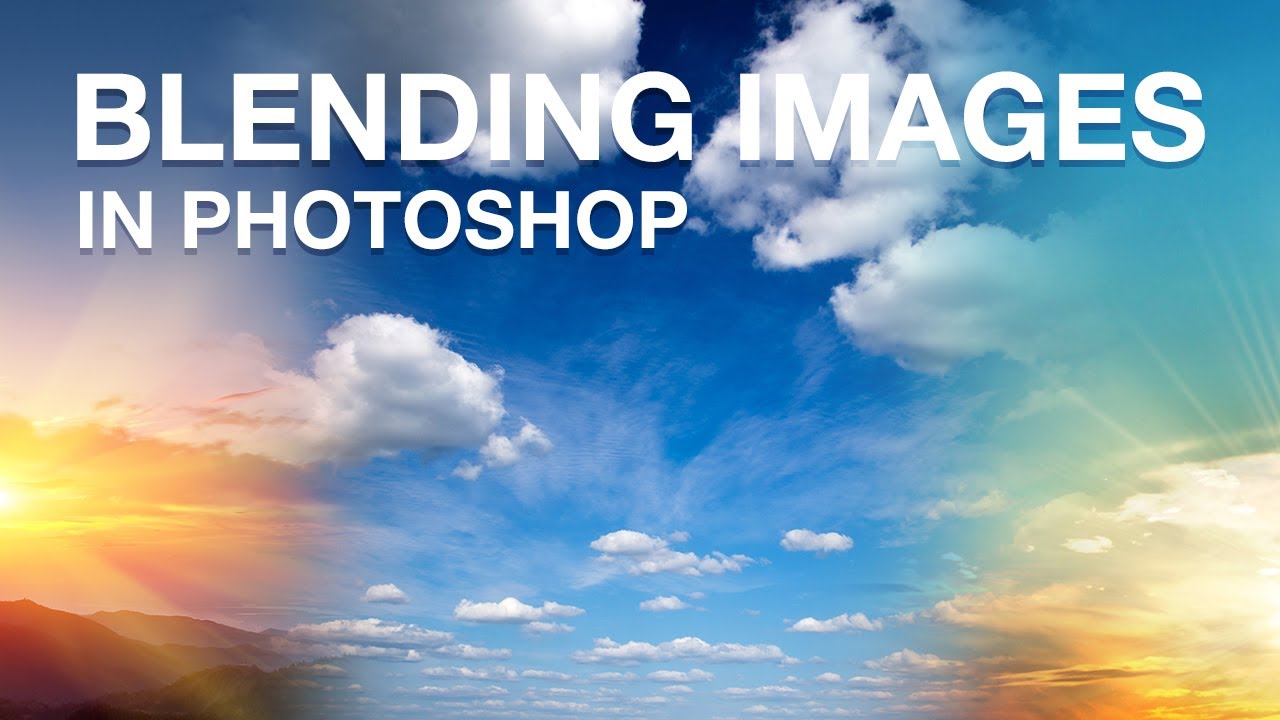
    This video by Howard Pinsky will show you how to blend multiple images in Photoshop for timelapse or other uses. Pinsky uses layer masks and the gradient tool (as well…

    How to Remove Black or White Backgrounds in Photoshop

    by Iddo GenuthPhotoshopPost ProcessingAugust 27, 2013September 20, 2013

    This video by Howard Pinsky will show you how to remove black and white backgrounds from your photos using the Blend If controls within your Layer Styles dialogue box in…

    Using Smart Sharpen in Photoshop CC

    by Iddo GenuthPhotoshopPost ProcessingAugust 24, 2013August 24, 2013

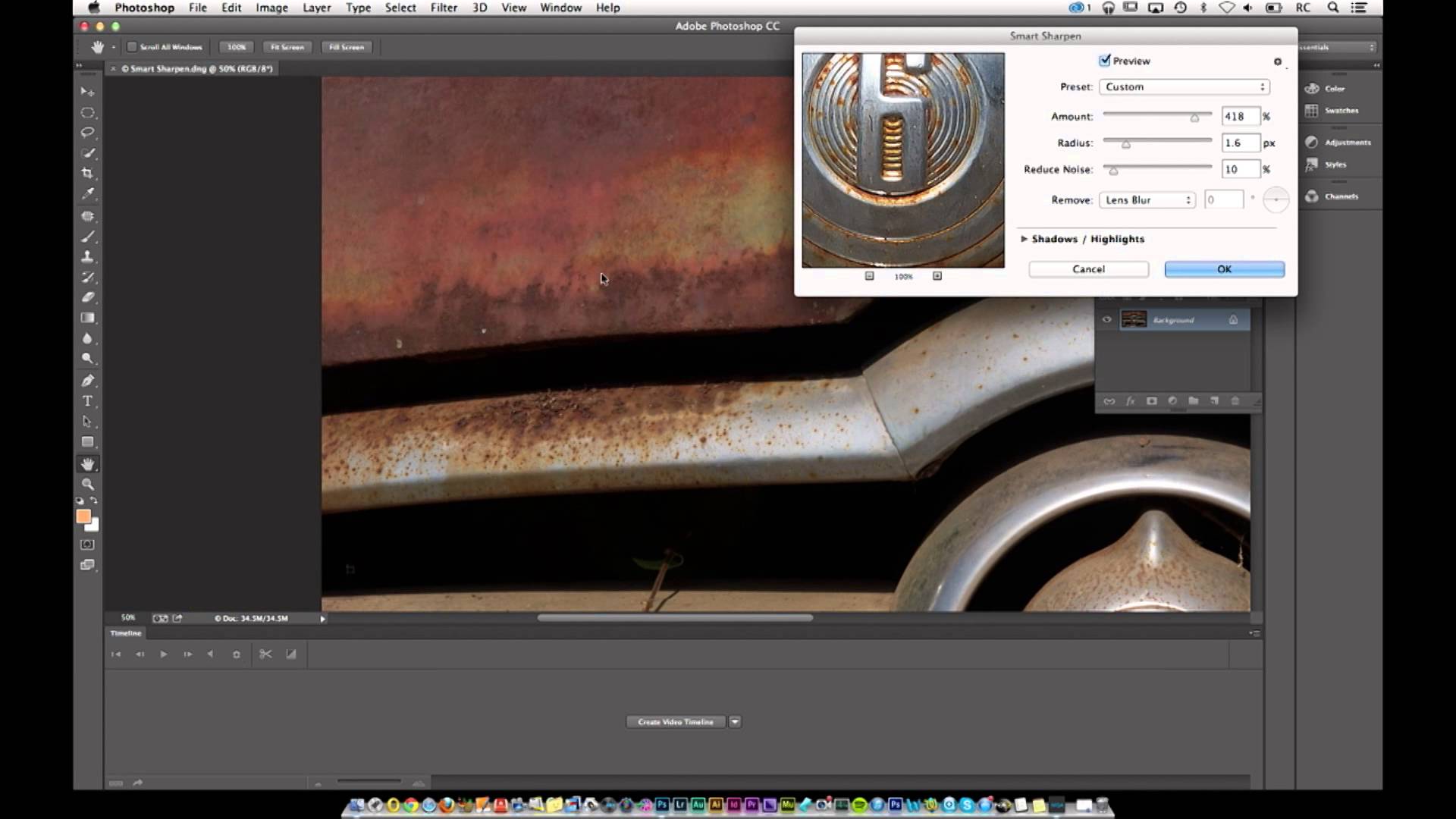
    On this short video, photographer Rafael Concepcion (from Kelby Training) takes a look at the smart sharpen feature in the new Adobe Photoshop CC. In the video Concepcion talks about…

    Shooting and Stitching Together Panoramas in Photoshop

    by Iddo GenuthPhoto TipsPhotoshopPost ProcessingTechniqueAugust 21, 2013

    On this Adorama video photographer Gavin Hoey demonstrates how you can shoot high resolution panorama images. Hoey takes a look at both the shooting stage and the Photoshop stitching process.

    Photoshop Overview: Using the History Brush

    by Iddo GenuthPhotoshopPost ProcessingAugust 17, 2013

    On this video from creativeLIVE, Photoshop expert Jack Davis gives an overview of the history brush and its uses. The history brush is a powerful Photoshop tool which can allow…

    Post navigation

    Older Entries
    Newer Entries

      Join our newsletter!


      Quick Links

      • Home
      • About LensVid
      • Contact Us
      • Why should you trust us?
      • Powered by FirstImpression.io

      About

      • LensVid Exclusive
      • Photo Gear
      • Post Processing
      • Technique
      • Photo Inspiration
      • LensVid Advisor

      Customer Service

      • Privacy Policy
      • DMCA Policy
      © Copyright 2026 by LensVid. All Rights Reserved.
      LensVid
       
      Home of photography oriented videos
      • Create a Menu in Menus and assign it as Hidden Menu in Theme Location
      Photoshop,Post Processing
      This website uses cookies to improve your experience. We'll assume you're ok with this, but you can opt-out if you wish. Cookie settingsACCEPT
      Privacy & Cookies Policy

      Privacy Overview

      This website uses cookies to improve your experience while you navigate through the website. Out of these cookies, the cookies that are categorized as necessary are stored on your browser as they are essential for the working of basic functionalities of the website. We also use third-party cookies that help us analyze and understand how you use this website. These cookies will be stored in your browser only with your consent. You also have the option to opt-out of these cookies. But opting out of some of these cookies may have an effect on your browsing experience.
      Necessary
      Always Enabled
      Necessary cookies are absolutely essential for the website to function properly. This category only includes cookies that ensures basic functionalities and security features of the website. These cookies do not store any personal information.
      Non-necessary
      Any cookies that may not be particularly necessary for the website to function and is used specifically to collect user personal data via analytics, ads, other embedded contents are termed as non-necessary cookies. It is mandatory to procure user consent prior to running these cookies on your website.
      SAVE & ACCEPT