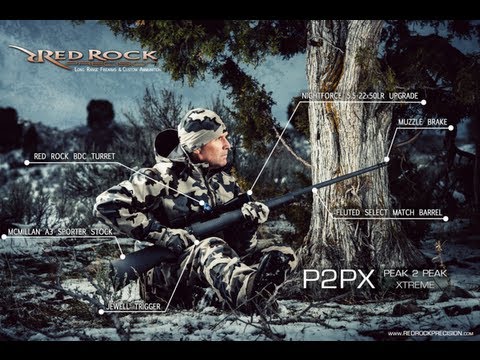
On this video commercial photographer Ben Sant demonstrate some of the integral aspects of a post production workflow with both Lightroom and Photoshop. This includes the various steps used to…
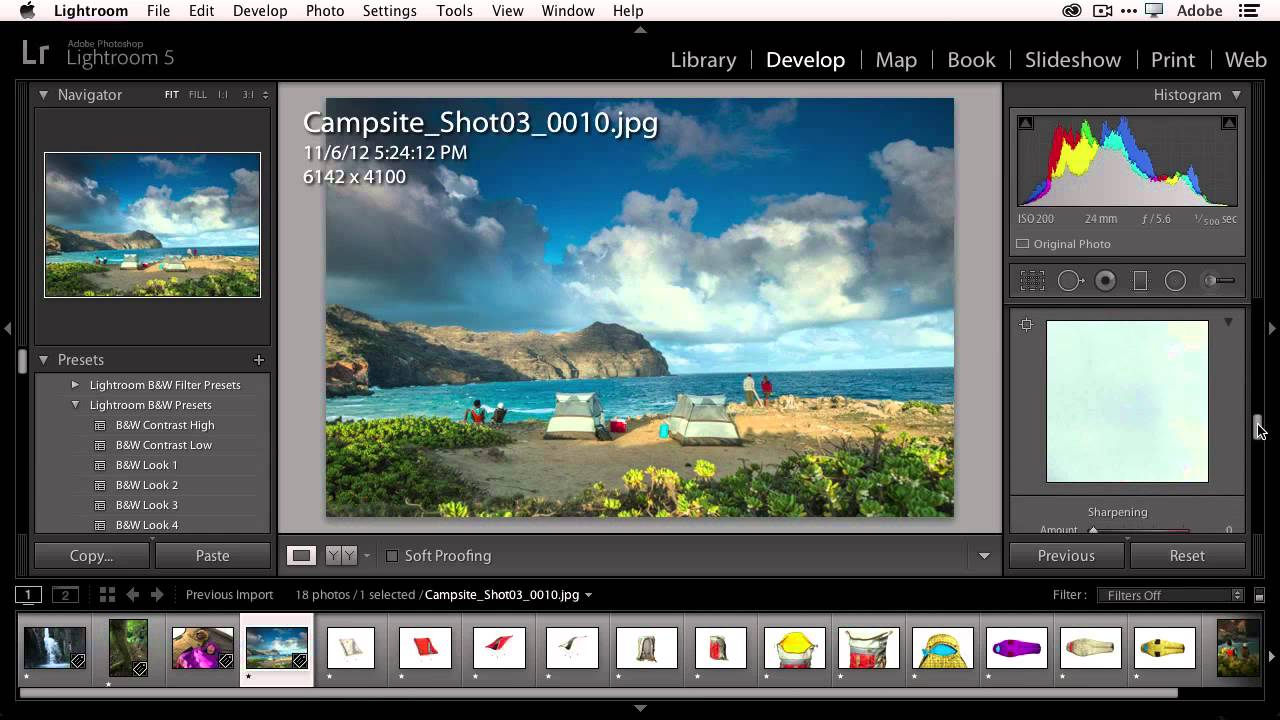
In this video, photographer Terry White takes on the task of explaining and showing the differences between Adobe Bridge (part of the new CC line of Adobe products) and Lightroom…
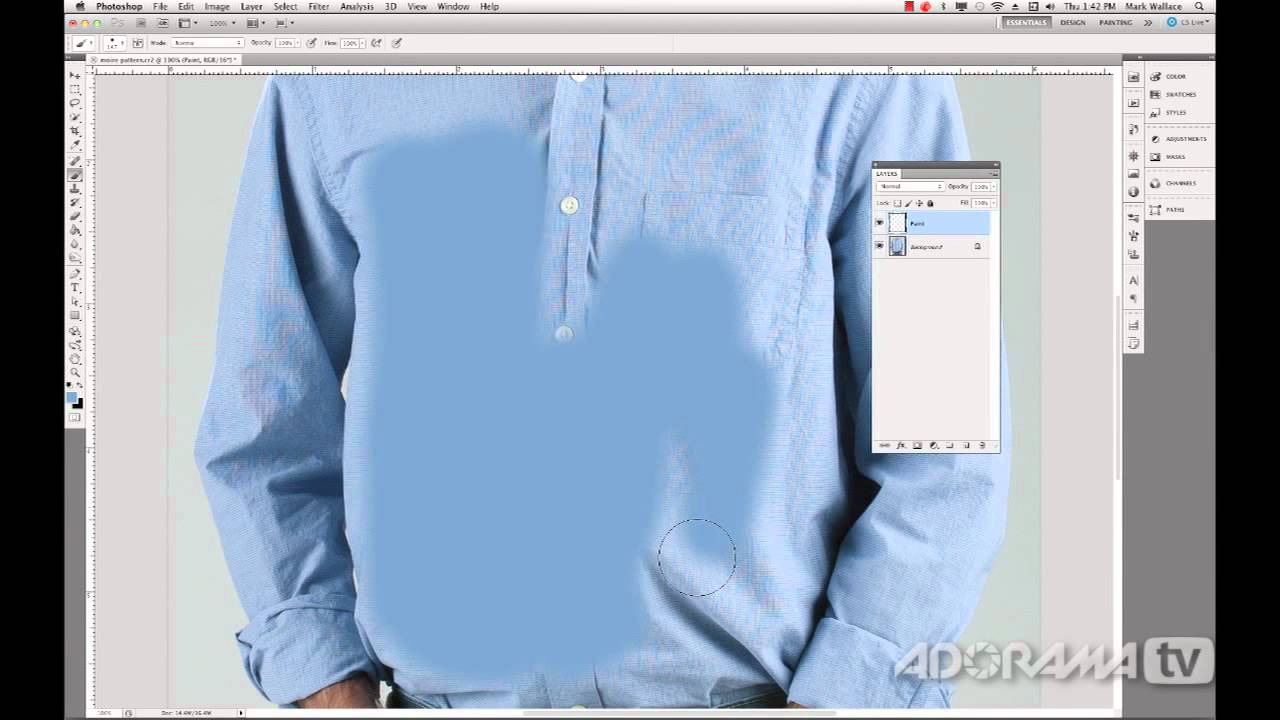
On this Adorama Video, photographer Mark Wallace explains what are Moiré patterns, how to prevent them in your photos and how to fix them in Photoshop if you do get…
This video advanced tutorial by Aaron Nace from Phlearn will teach you how to create skin textures from scratch using Adobe Photoshop (in this case Photoshop CS6). This is a fairly…
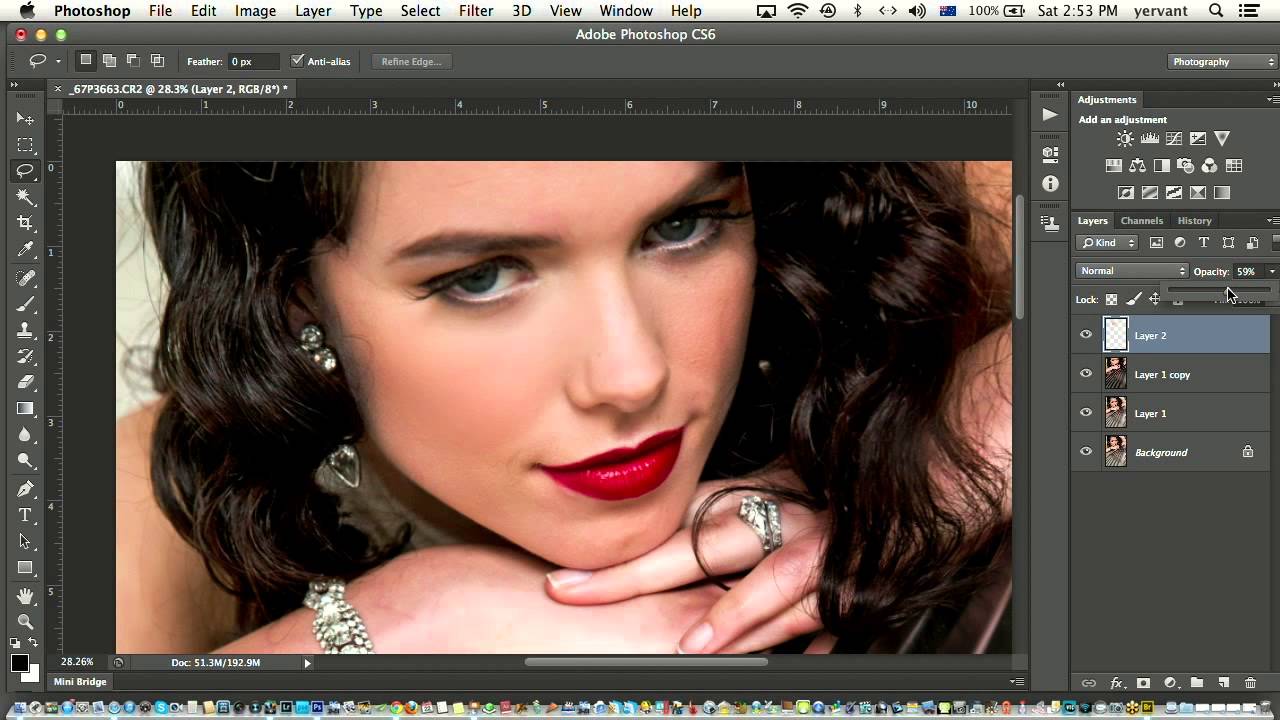
On this short video from creativeLIVE, Yervant Zanazanian demonstrate how to retouch facial imperfections using blur filters and layer opacity to create smooth, consistently-lit facial features using Photoshop.
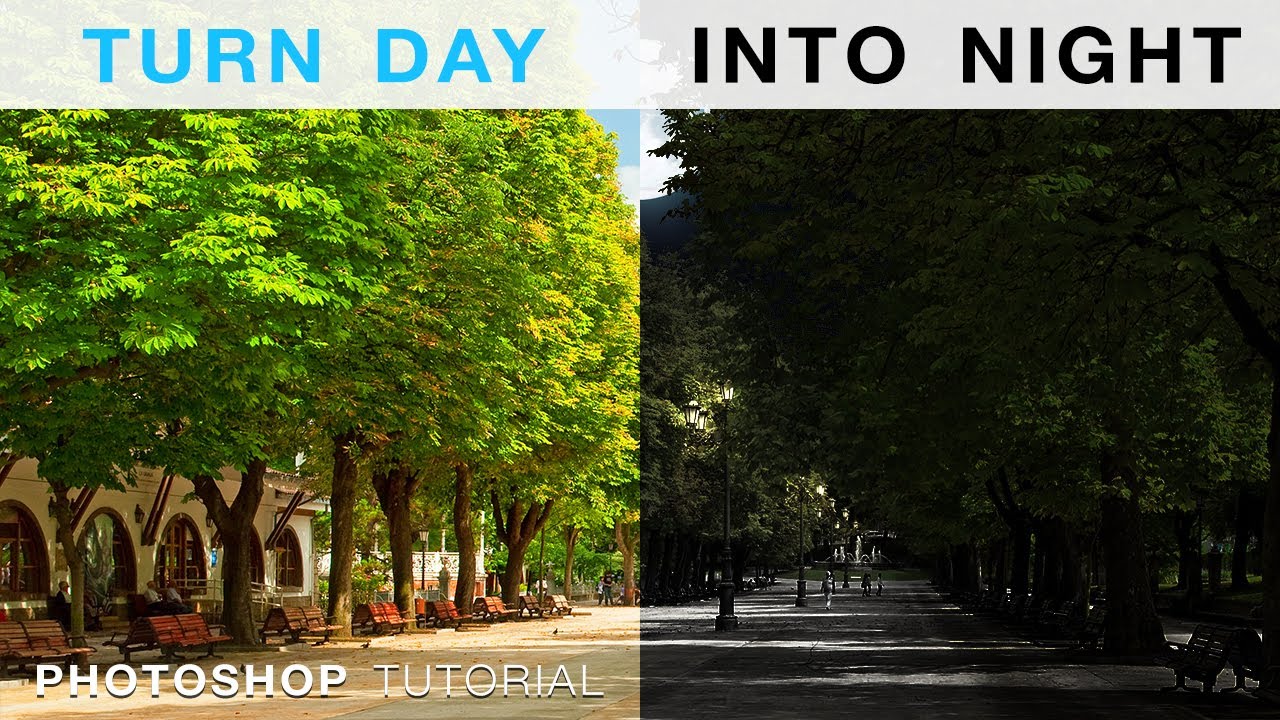
This video by Howard Pinsky will show you how to turn an average daytime shot into an impressive nighttime one using Adobe Photoshop CS6. Using Adjustment layers and blending options…
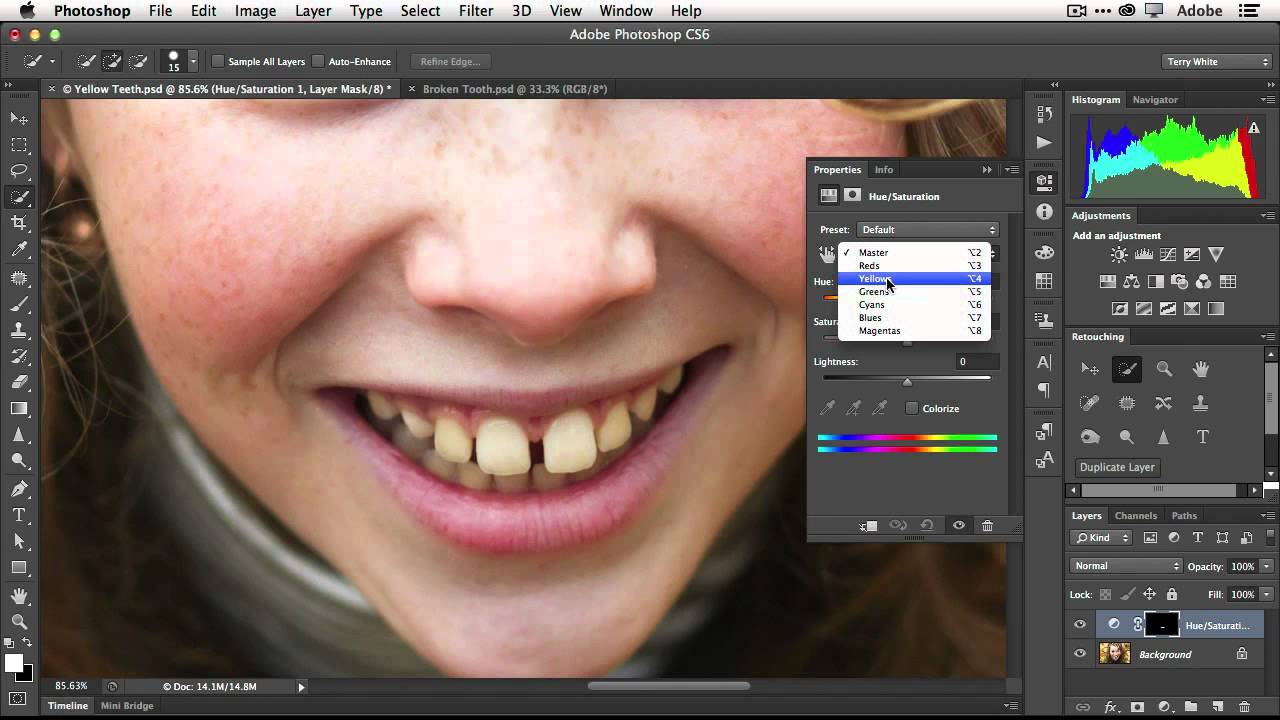
In this video, photographer Terry White demonstrates how to use photoshop to remove the yellow from teeth as well as how to fix a gaps between them – who needs…
In this (extensive) B&H video, photographer Jeff Cable talks about his top 15 features every photographer needs to know in Photoshop in order to get retouching faster and more effectively….
Adobe will soon launch its next version of Photoshop (known as CC – short for Creative Cloud) and in this video photographer Terry White describes 5 of his favorite features…
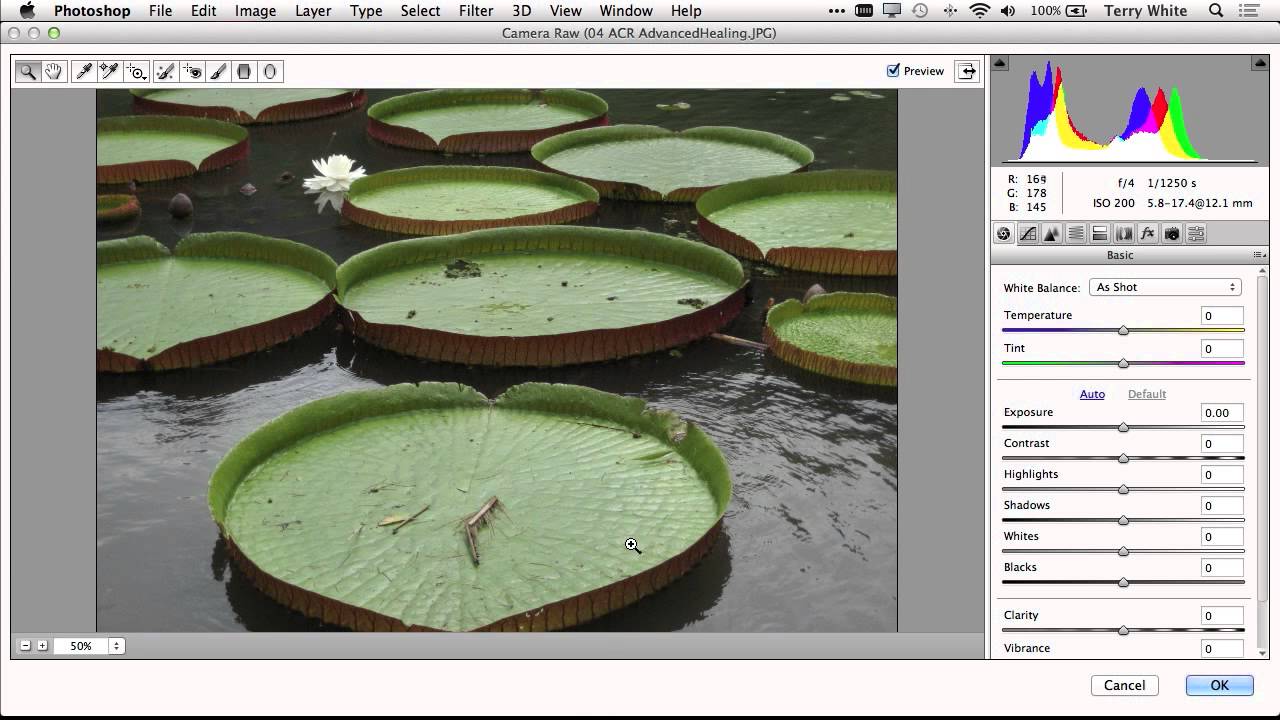
This is a slightly more advanced tutorial that shows how to dramatically improve and change an 8 megapixel RAW image taken with a low-end Canon digital camera. The video shows…
This website uses cookies to improve your experience. We'll assume you're ok with this, but you can opt-out if you wish. Cookie settingsACCEPT
Privacy & Cookies Policy
Privacy Overview
This website uses cookies to improve your experience while you navigate through the website. Out of these cookies, the cookies that are categorized as necessary are stored on your browser as they are essential for the working of basic functionalities of the website. We also use third-party cookies that help us analyze and understand how you use this website. These cookies will be stored in your browser only with your consent. You also have the option to opt-out of these cookies. But opting out of some of these cookies may have an effect on your browsing experience.
Necessary cookies are absolutely essential for the website to function properly. This category only includes cookies that ensures basic functionalities and security features of the website. These cookies do not store any personal information.
Any cookies that may not be particularly necessary for the website to function and is used specifically to collect user personal data via analytics, ads, other embedded contents are termed as non-necessary cookies. It is mandatory to procure user consent prior to running these cookies on your website.