Skip to content
LensVid
 
Home of photography oriented videos
  • Home
  • LensVid Exclusive
  • Photo Gear
    • DIY Gear
    • How Do They Make It
    • New Products
    • Gear Guides
    • Product Reviews & Previews
    • HDSLR
    • Interviews
    • Photo-Technology
    • Photography Commercials
  • Technique
    • DIY
    • Photo Tips
    • HDSLR
    • Lighting
    • Food Photography
    • Macro Photography
    • Landscape photography
    • Product Photography
    • Photography as a Business
    • Fashion & Beauty Photography
  • Post Processing
    • Photoshop
    • Lightroom
    • Premiere Pro
    • Photoshop Elements
    • Other Software
    • Apple Aperture
  • Photo Inspiration
    • Photographers
    • Photography Humor / Fun
    • Behind the Scenes
    • Photo Art
    • TED
    • Timelapse
  • About LensVid
    • Contact Us
    • About LensVid
    • LensVid Advisor
  • Send us your video!
  • More
    • Menu
    • Search
    • Menu
    LensVid
     
    Home of photography oriented videos
    • Search
    LensVid ExclusiveOther SoftwarePhoto GearPost ProcessingProduct Reviews & Previews

    Retouch4Me Photoshop Portrait Plugins Review

    November 25, 2023November 25, 2023 0 0
    Retouch4Me Photoshop Portrait Plugins Review
    PhotoshopPost Processing

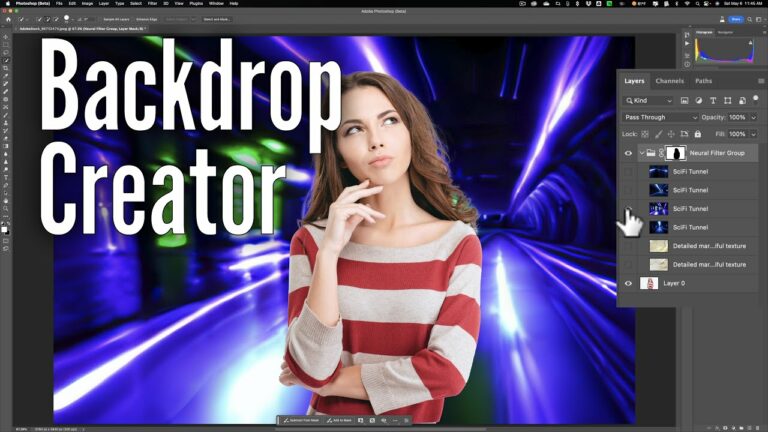
    Backdrop Creator in Photoshop – Field Test

    May 7, 2023 0 2
    Backdrop Creator in Photoshop – Field Test

    Adobe Important Masking Update for Camera RAW (14.4)

    by Iddo GenuthPost ProcessingPhotoshopJune 20, 2022

    Adobe recently released the 14.4 version of its Camera RAW software and it brings some very exciting improvements to the already powerful masking features. In this video, Blake Rudis from f64…

    Luminar Neo New AI Mask is a Game Changer

    by Iddo GenuthPost ProcessingOther SoftwareMay 12, 2022

    Recent advancements in image editing have really pushed the envelope of what you can do with your image. This that used to take professional editors hours can now be accomplished…

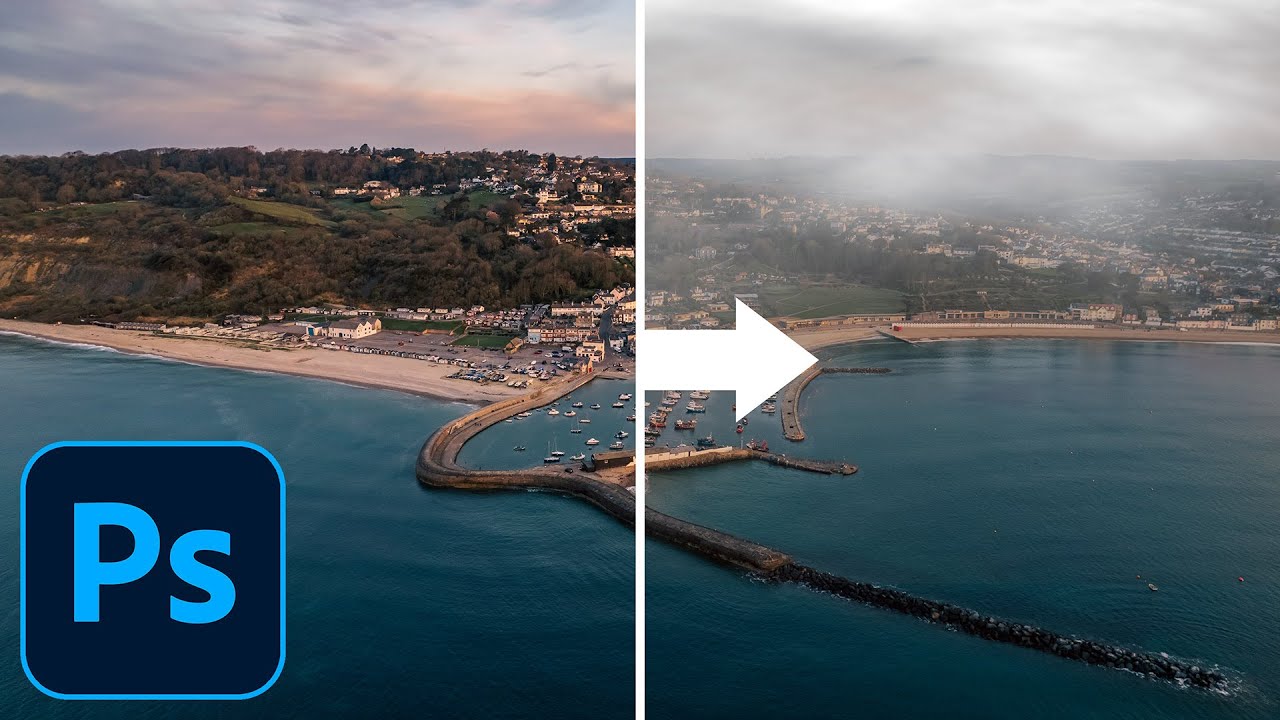
    How to Add Smoke, Mist and Clouds in Photoshop

    by Iddo GenuthPost ProcessingPhotoshopApril 22, 2022

    In this video tutorial photographer, Glyn Dewis shows how you can add smoke, mist, and clouds in Photoshop in a few simple clicks and without any extra plug-ins. How to add…

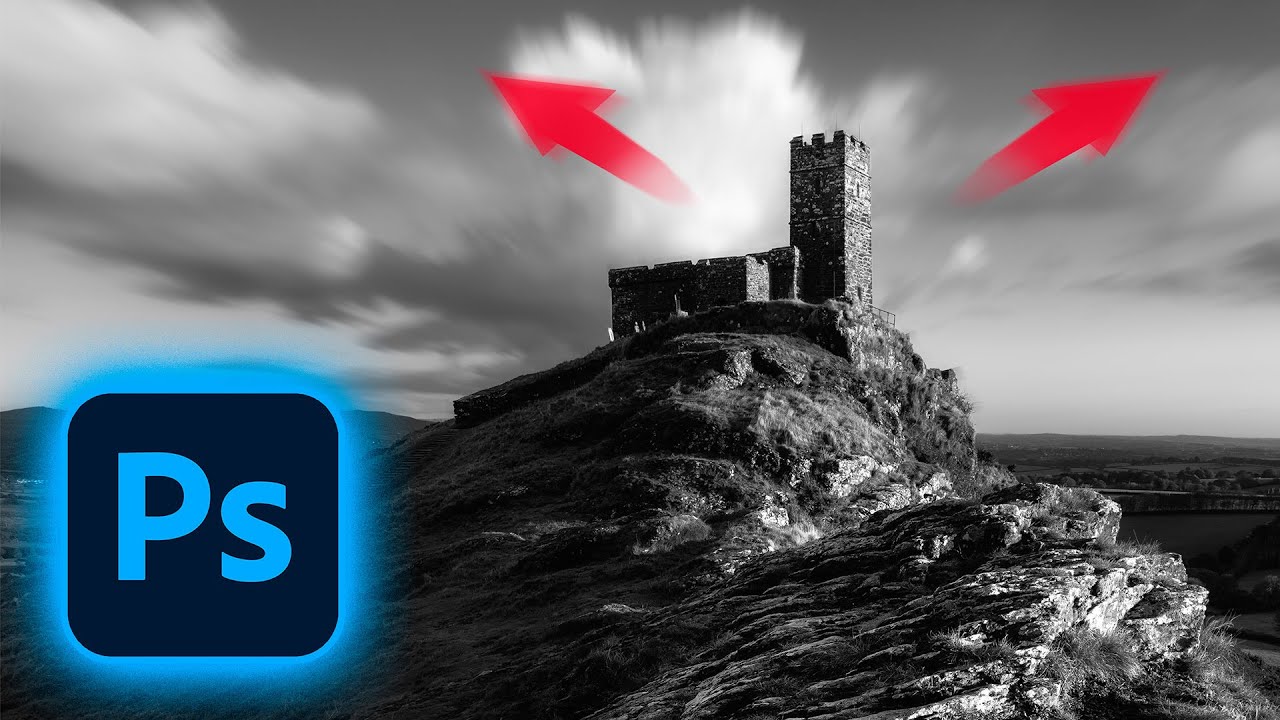
    How To Create a Long Exposure Effect in Photoshop

    by Iddo GenuthPost ProcessingPhotoshopMarch 27, 2022

    In this video tutorial photographer, Glyn Dewis shows how you can add drama to your images by creating a long exposure effect in Adobe Photoshop. Long Exposure Effect in Photoshop…

    How to Fix JPEG Artifacts in Photoshop

    by Iddo GenuthPost ProcessingPhotoshopMarch 10, 2022March 10, 2022

    In this video, Unmesh Dinda from the PiXimperfect channel demonstrates how you can fix all sorts of different artifacts that are common on Jpegs with one of the recent tools in…

    3 Things You Need to Know About the Histogram in Photoshop/Lightroom

    by Iddo GenuthPost ProcessingLightroomPhotoshopMarch 5, 2022

    In this video, Blake Rudis from f64 Academy looks at a number of useful aspects of the histogram in both Photoshop (ACR) and Lightroom that you should be aware of. Just…

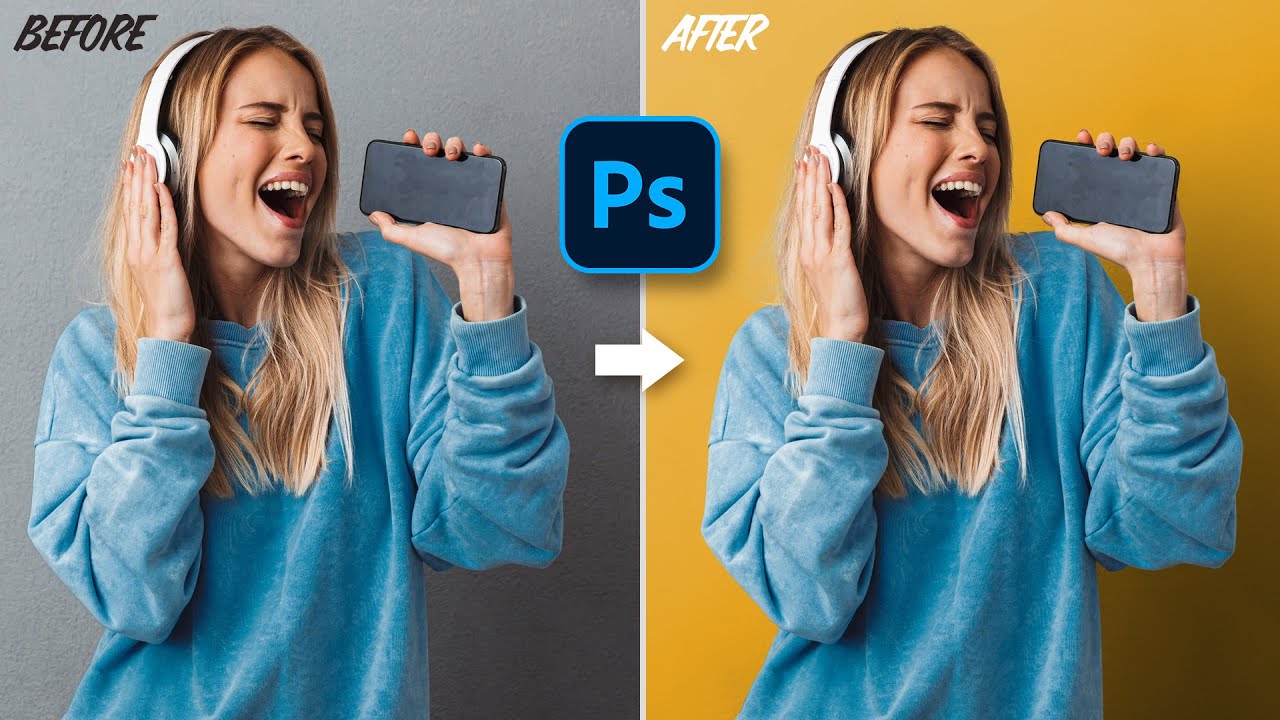
    Change Background Color in Photoshop the Simple Way

    by Iddo GenuthPost ProcessingPhotoshopMarch 1, 2022

    In this short video, Photoshop expert Jesús Ramirez (from the Photoshop training channel) shares a simple way of changing the background color of an image while preserving all details and…

    Using Actions in Photoshop to Speed up Your Edits

    by Iddo GenuthPost ProcessingPhotoshopFebruary 6, 2022February 6, 2022

    In this video, Blake Rudis from f64 Academy looks at how to create and use actions in Photoshop to make your workflow faster and more efficient. Working with actions in Photoshop…

    Create Realistic Light Rays in Photoshop

    by Iddo GenuthPost ProcessingPhotoshopJanuary 24, 2022January 24, 2022

    In this video tutorial by Aaron Nace from Phlearn we look at a method of creating light rays in Photoshop using levels. Making Light Rays in Photoshop There are all…

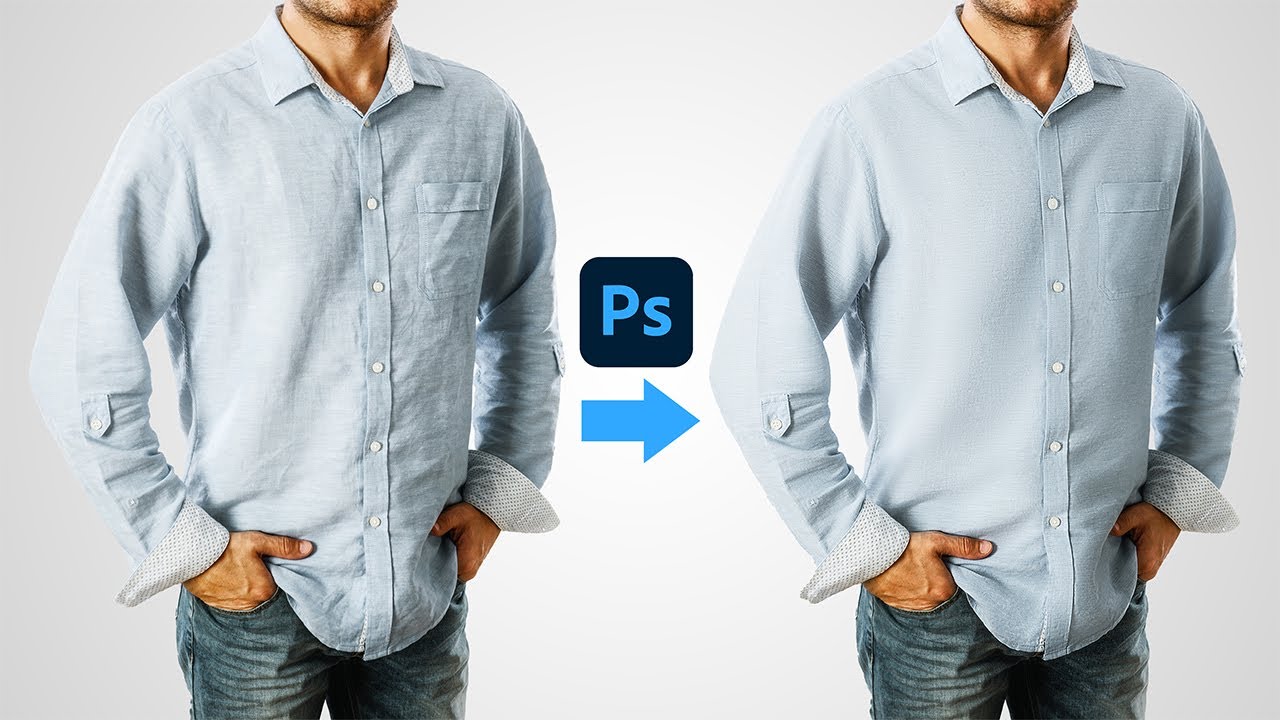
    How to Iron Clothes and fix wrinkles in Photoshop

    by Iddo GenuthPost ProcessingPhotoshopDecember 31, 2021December 31, 2021

    In this video, Unmesh Dinda from the PiXimperfect channel demonstrates how you can fix wrinkles and Iron Clothes in Photoshop. He shares two methods (one fast and one a little…

    Post navigation

    Older Entries
    Newer Entries

      Join our newsletter!


      Quick Links

      • Home
      • About LensVid
      • Contact Us
      • Why should you trust us?
      • Powered by FirstImpression.io

      About

      • LensVid Exclusive
      • Photo Gear
      • Post Processing
      • Technique
      • Photo Inspiration
      • LensVid Advisor

      Customer Service

      • Privacy Policy
      • DMCA Policy
      © Copyright 2026 by LensVid. All Rights Reserved.
      LensVid
       
      Home of photography oriented videos
      • Create a Menu in Menus and assign it as Hidden Menu in Theme Location
      Photoshop,Post Processing
      This website uses cookies to improve your experience. We'll assume you're ok with this, but you can opt-out if you wish. Cookie settingsACCEPT
      Privacy & Cookies Policy

      Privacy Overview

      This website uses cookies to improve your experience while you navigate through the website. Out of these cookies, the cookies that are categorized as necessary are stored on your browser as they are essential for the working of basic functionalities of the website. We also use third-party cookies that help us analyze and understand how you use this website. These cookies will be stored in your browser only with your consent. You also have the option to opt-out of these cookies. But opting out of some of these cookies may have an effect on your browsing experience.
      Necessary
      Always Enabled
      Necessary cookies are absolutely essential for the website to function properly. This category only includes cookies that ensures basic functionalities and security features of the website. These cookies do not store any personal information.
      Non-necessary
      Any cookies that may not be particularly necessary for the website to function and is used specifically to collect user personal data via analytics, ads, other embedded contents are termed as non-necessary cookies. It is mandatory to procure user consent prior to running these cookies on your website.

      SAVE & ACCEPT