Skip to content
LensVid
 
Home of photography oriented videos
  • Home
  • LensVid Exclusive
  • Photo Gear
    • DIY Gear
    • How Do They Make It
    • New Products
    • Gear Guides
    • Product Reviews & Previews
    • HDSLR
    • Interviews
    • Photo-Technology
    • Photography Commercials
  • Technique
    • DIY
    • Photo Tips
    • HDSLR
    • Lighting
    • Food Photography
    • Macro Photography
    • Landscape photography
    • Product Photography
    • Photography as a Business
    • Fashion & Beauty Photography
  • Post Processing
    • Photoshop
    • Lightroom
    • Premiere Pro
    • Photoshop Elements
    • Other Software
    • Apple Aperture
  • Photo Inspiration
    • Photographers
    • Photography Humor / Fun
    • Behind the Scenes
    • Photo Art
    • TED
    • Timelapse
  • About LensVid
    • Contact Us
    • About LensVid
    • LensVid Advisor
  • Send us your video!
  • More
    • Menu
    • Search
    • Menu
    LensVid
     
    Home of photography oriented videos
    • Search

    Adobe Premiere Pro

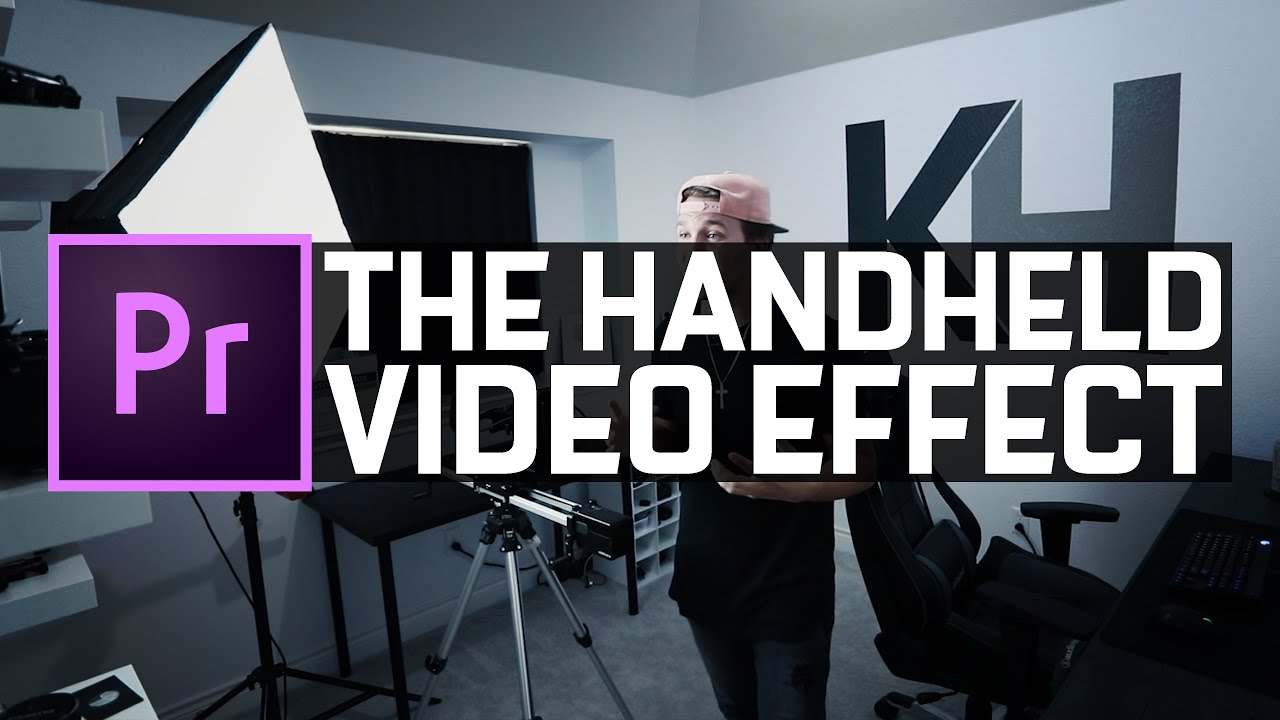
    Its Magic! Add Realistic Handheld Motion to Your Videos Easily

    by Iddo GenuthPost ProcessingHDSLRPremiere ProTechniqueJune 2, 2020

    In this short video filmmaker and photographer, Kyler Holland demonstrates how you can shoot and later edit any static or semi-static video to look as if it was shot handheld….

    Super Speed Your Premiere Pro Exports with Your GPU Support in Adobe’s Upcoming Update

    by Iddo GenuthPost ProcessingPremiere ProMay 18, 2020May 18, 2020

    Adobe will be releasing a new version of Premiere Pro in the very near future and it includes a very interesting new improvement that will enable NVIDIA graphic card users…

    Speed Ramping Audio Sync Hack in Adobe Premiere Pro

    by Iddo GenuthPost ProcessingPremiere ProMarch 6, 2020

    Filmmaker and photographer Kyler Holland recently published an interesting video demonstrating how to resolve an issue in Premiere Pro when doing speed ramping and losing audio sync. Adobe After Effects has…

    Top 5 Adobe Premiere 2020 Features

    by Iddo GenuthPost ProcessingPremiere ProNovember 19, 2019November 19, 2019

    Adobe recently released a major update across its entire line of products including Photoshop, Premiere, Lightroom, After Effects, Audition, and many others (see our article with many videos on each product…

    Object Isolation Effect in Premiere Pro

    by Iddo GenuthPost ProcessingPremiere ProOctober 19, 2019

    Filmmaker and photographer Kyler Holland recently published an interesting video showing how you can very easily isolate an object in Premiere Pro and make it stand out. This video demonstrates…

    Sneak Peak: Auto Reframe With AI in Premiere Pro

    by Iddo GenuthPost ProcessingPremiere ProSeptember 13, 2019

    Adobe recently published a video with a sneak peek at an upcoming feature that will be released in a future version of its Premiere Pro software and will use Adobe’s…

    Head to Head DaVinci Resolve 16 vs. Premiere Pro 2019

    by Iddo GenuthPost ProcessingOther SoftwarePremiere ProAugust 31, 2019January 4, 2021

    Jordan Dueck from Motion Array recently posted an interesting video looking at a question that is increasingly being asked by a growing number of video editors at all levels –…

    Using Adobe Media Encoder for Multi-Format Export Videos from Premiere Pro

    by Iddo GenuthPost ProcessingOther SoftwarePremiere ProAugust 6, 2019

    On this video, media creation expert Colin Smith from VideoRevealed talks using Adobe’s media encoder software and how you can use it to export different format videos (such as different resolution…

    Creating Smooth Seamless Transitions in Premiere Pro

    by Iddo GenuthPost ProcessingPremiere ProJune 19, 2019August 8, 2019

    On this video, Parker Walbeck and Landon Bytheway from fulltimefilmmaker take a look at 8 different “seamless” transitions and how to use them in Premiere Pro. First of all, it…

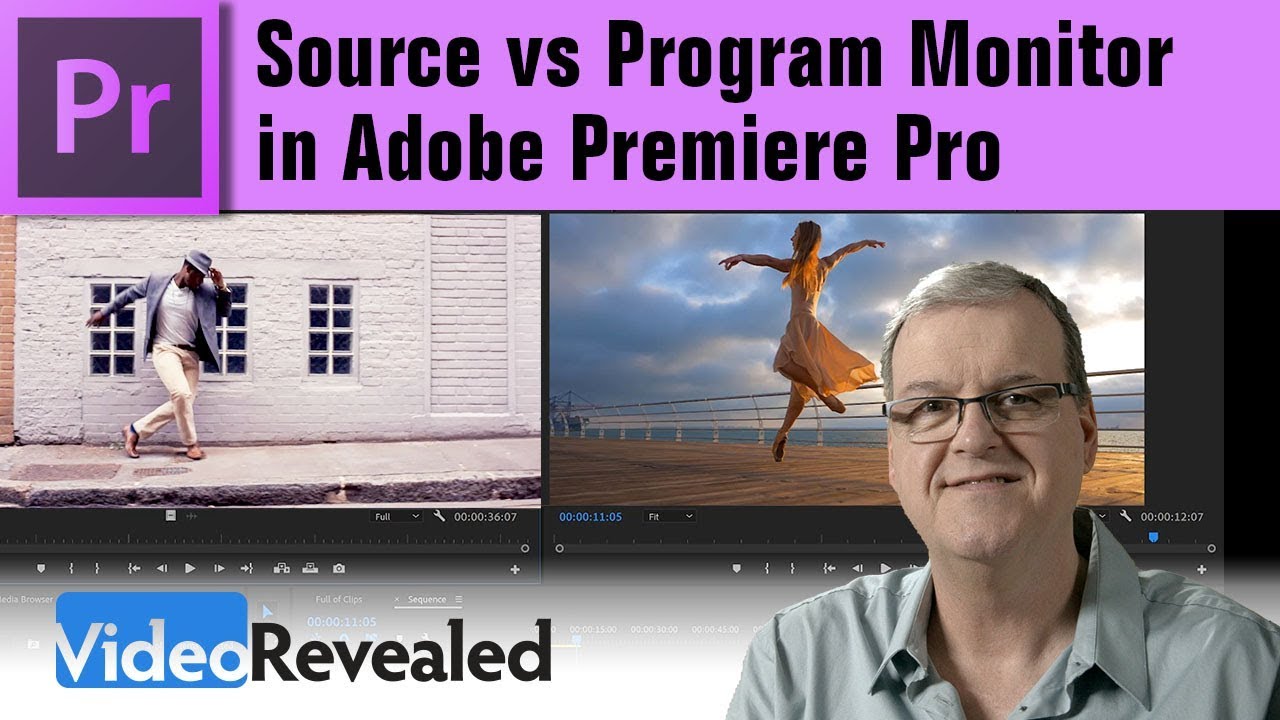
    Back To Basics: Source vs Program Monitor in Adobe Premiere Pro

    by Iddo GenuthPost ProcessingPremiere ProJune 10, 2019

    On this video, media creation expert Colin Smith from VideoRevealed talks about the uses of the source (and program) monitors in Premiere Pro, why each exists and what you can do…

    Post navigation

    Older Entries
    Newer Entries

      Join our newsletter!


      Quick Links

      • Home
      • About LensVid
      • Contact Us
      • Why should you trust us?
      • Powered by FirstImpression.io

      About

      • LensVid Exclusive
      • Photo Gear
      • Post Processing
      • Technique
      • Photo Inspiration
      • LensVid Advisor

      Customer Service

      • Privacy Policy
      • DMCA Policy
      © Copyright 2026 by LensVid. All Rights Reserved.
      LensVid
       
      Home of photography oriented videos
      • Create a Menu in Menus and assign it as Hidden Menu in Theme Location
      Post Processing,Premiere Pro
      This website uses cookies to improve your experience. We'll assume you're ok with this, but you can opt-out if you wish. Cookie settingsACCEPT
      Privacy & Cookies Policy

      Privacy Overview

      This website uses cookies to improve your experience while you navigate through the website. Out of these cookies, the cookies that are categorized as necessary are stored on your browser as they are essential for the working of basic functionalities of the website. We also use third-party cookies that help us analyze and understand how you use this website. These cookies will be stored in your browser only with your consent. You also have the option to opt-out of these cookies. But opting out of some of these cookies may have an effect on your browsing experience.
      Necessary
      Always Enabled
      Necessary cookies are absolutely essential for the website to function properly. This category only includes cookies that ensures basic functionalities and security features of the website. These cookies do not store any personal information.
      Non-necessary
      Any cookies that may not be particularly necessary for the website to function and is used specifically to collect user personal data via analytics, ads, other embedded contents are termed as non-necessary cookies. It is mandatory to procure user consent prior to running these cookies on your website.
      SAVE & ACCEPT