Photoshop expert Howard Pinsky take a look at a (very) dark image, and what you can do to dramatically improve the way it looks in just a couple of minutes using Photoshop’s…
On this video, Photoshop expert Howard Pinsky shows you how to quickly use both Lightroom and Photoshop to combine images to a perfect panorama. Pinsky starts with Lightroom (although you can just…
On this quick video review, retouch and Photoshop expert Howard Pinsky takes a look at Macphun Software new noise reduction program – Noiseless Pro to see if it lives up to the expectation of removing…
On this video, Photoshop expert Howard Pinsky shows you how to quickly move any object in your photos from one place to another in under a minute. Photoshop’s “content aware move”…
On this video, Photoshop expert Howard Pinsky shows how to fix an old image in Photoshop in a non destructive way. Pinsky recently got a question from a reader asking him to…
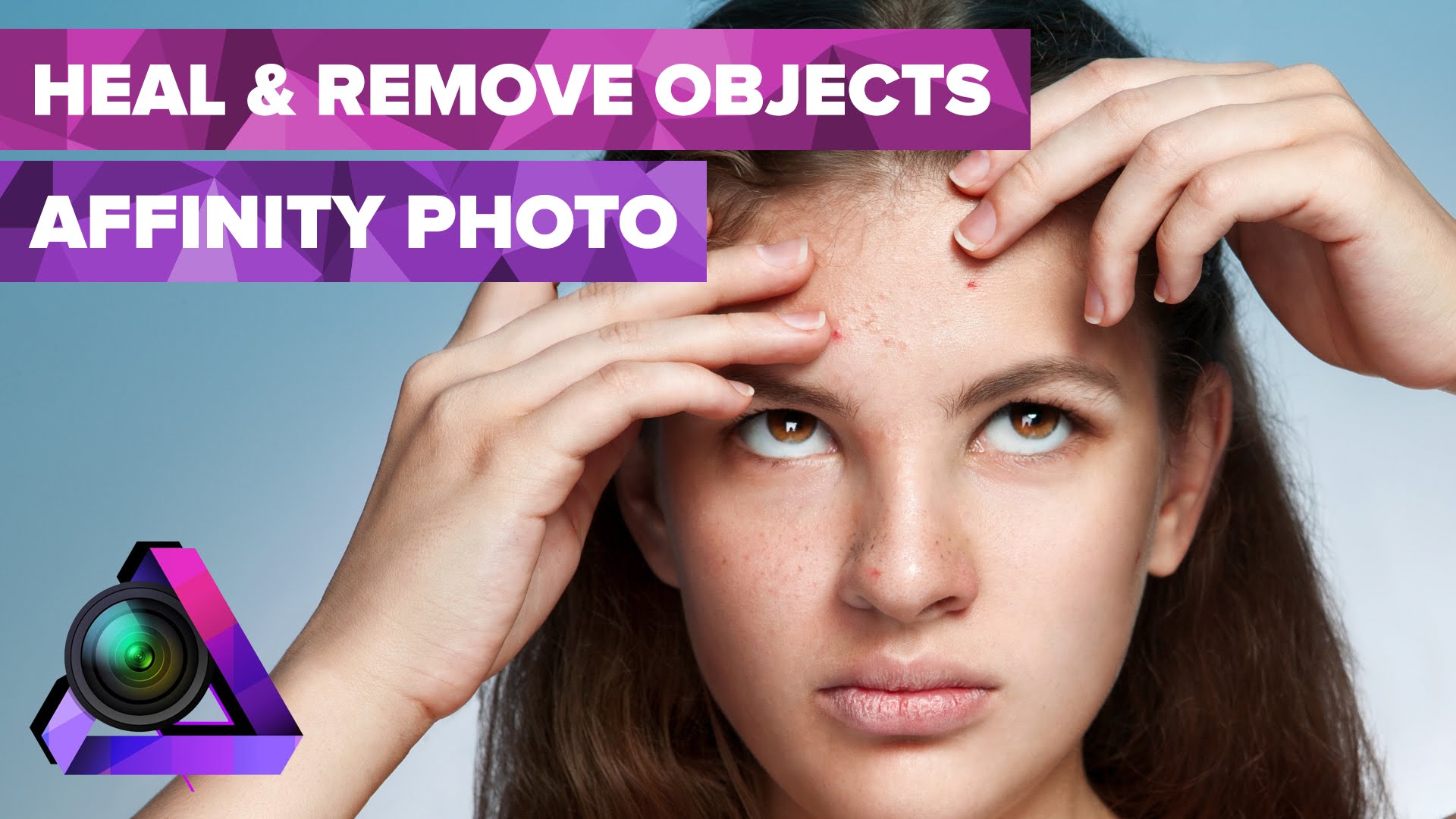
On this video, Howard Pinsky shows you how you can heal or remove blemishes using the (currently free) beta of the Affinity Photo software. In this tutorial Pinsky shows how to use the blemish…
On this quick video, Photoshop expert Howard Pinsky shows how to change a specific color in an image quickly and easily in Photoshop. Sometimes you need to change a specific color…
On this video, Howard Pinsky shows you how you can change eye color with the new (currently free) beta of the Affinity Photo software. In this tutorial Pinsky shows how to change the…
On this video, Photoshop expert Howard Pinsky shows you how you can do hair selections with the new (currently free) beta of the Affinity Photo software. Only a few days ago we…
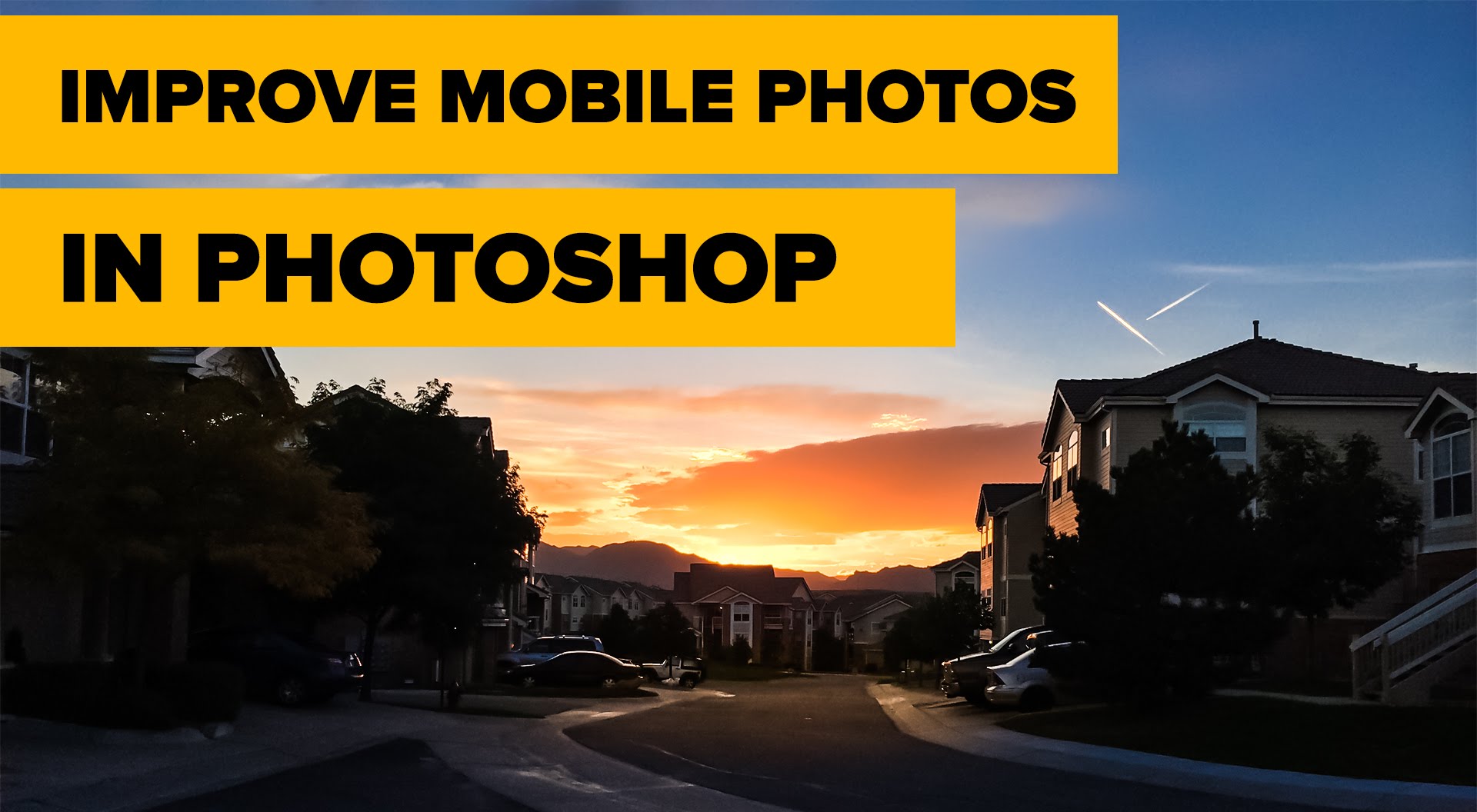
On this quick video, Photoshop expert Howard Pinsky shows you how you can take more or less any image you took on your smartphone and improve it (considerably) using Photoshop in…
This website uses cookies to improve your experience. We'll assume you're ok with this, but you can opt-out if you wish. Cookie settingsACCEPT
Privacy & Cookies Policy
Privacy Overview
This website uses cookies to improve your experience while you navigate through the website. Out of these cookies, the cookies that are categorized as necessary are stored on your browser as they are essential for the working of basic functionalities of the website. We also use third-party cookies that help us analyze and understand how you use this website. These cookies will be stored in your browser only with your consent. You also have the option to opt-out of these cookies. But opting out of some of these cookies may have an effect on your browsing experience.
Necessary cookies are absolutely essential for the website to function properly. This category only includes cookies that ensures basic functionalities and security features of the website. These cookies do not store any personal information.
Any cookies that may not be particularly necessary for the website to function and is used specifically to collect user personal data via analytics, ads, other embedded contents are termed as non-necessary cookies. It is mandatory to procure user consent prior to running these cookies on your website.