On this ultra quick video, Photoshop expert Howard Pinsky demonstrates how to easily put together panorama images in Photoshop and Lightroom. There are several programs which allows you to create panoramas –…
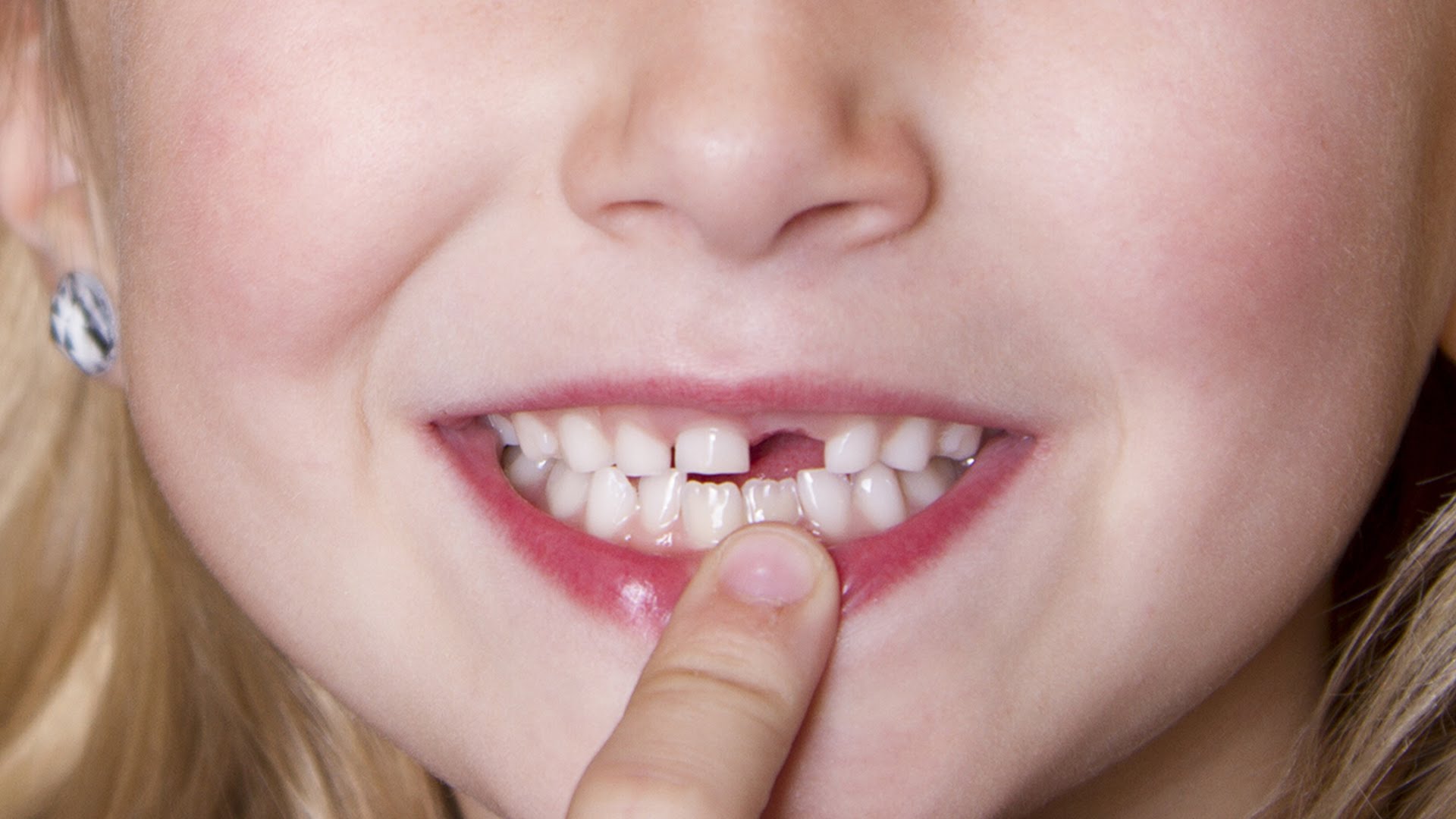
On this video photoshop expert Howard Pinsky demonstrates how to fix a missing teeth in less than 60 seconds using Photoshop. All kids go through baby teeth at one point or another – if…
If you are feeling a bit whimsical, this video by photoshop expert Howard Pinsky demonstrates how you can pimp up your logo (or even image) with some flames courtesy of the new flame…
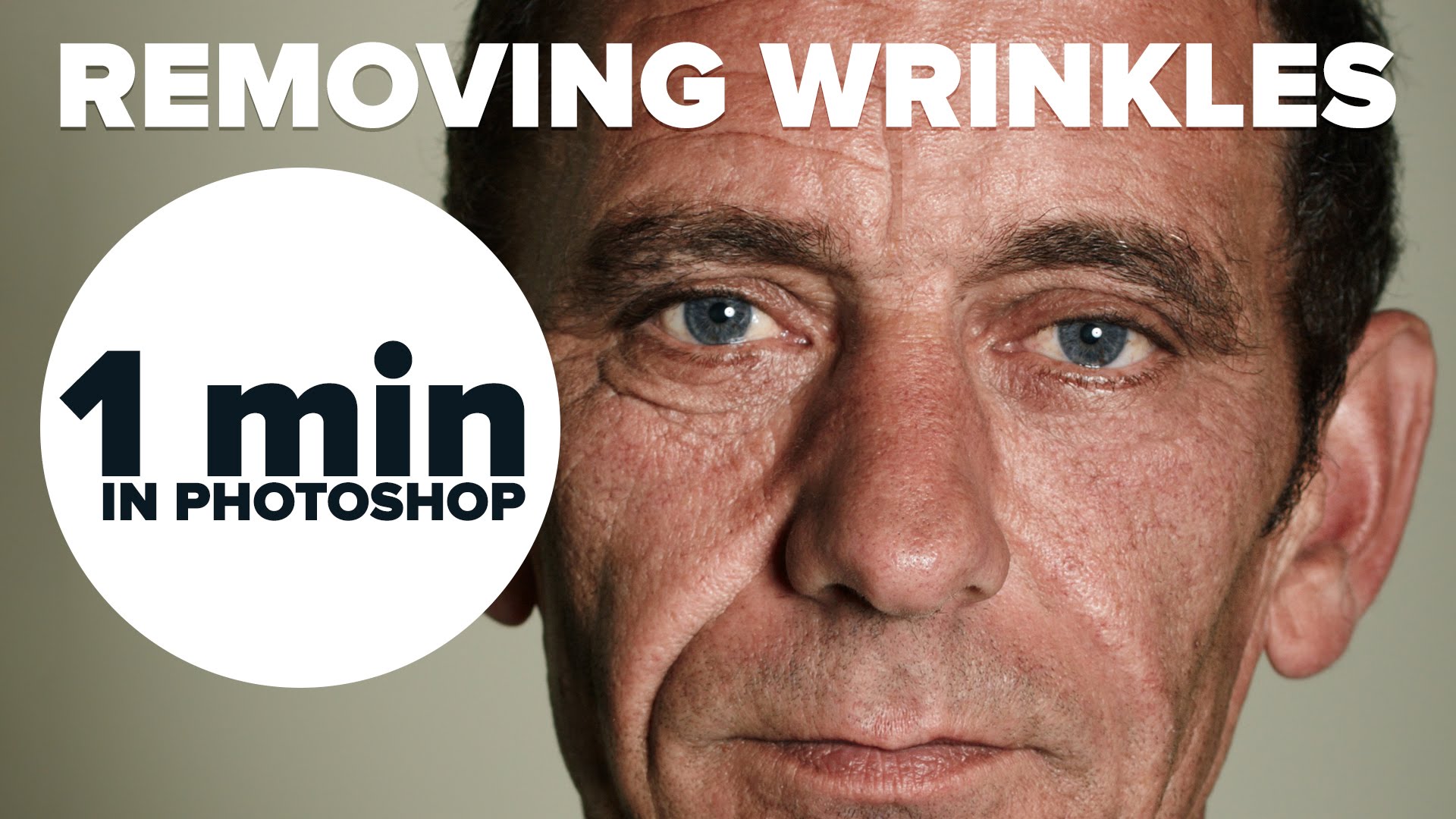
On this video photoshop expert Howard Pinsky demonstrates how to remove wrinkles in less than 60 seconds using Photoshop. The spot healing brush is a great tool for quickly removing wrinkles. Just add…
We are taking a quick pause from Photokina to bring you a very quick tutorial by Photoshop expert Howard Pinsky where he demonstrates how to create a really simply Cinemagraph in this under…
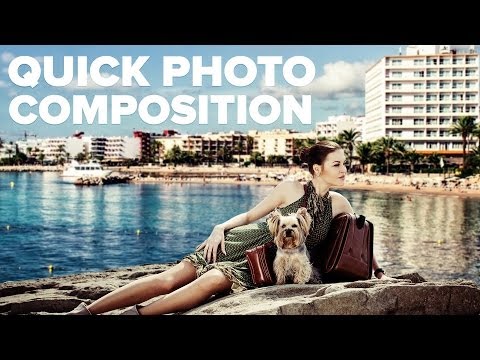
Photoshop expert Howard Pinsky demonstrates how to create a quick composition from two images using Photoshop. Sometimes you have a great looking image but the background isn’t particularly interesting. On this quick video tutorial, Pinsky…
On this video photoshop expert Howard Pinsky demonstrates several ways to brighten up a dark image in Photoshop. How many times did you shoot an image just to find out that the skies…
In this video Howard Pinsky demonstrates how to save layer styles and use them again quickly and easily. Many people are familiar with layer styles in Photoshop but do not know how…
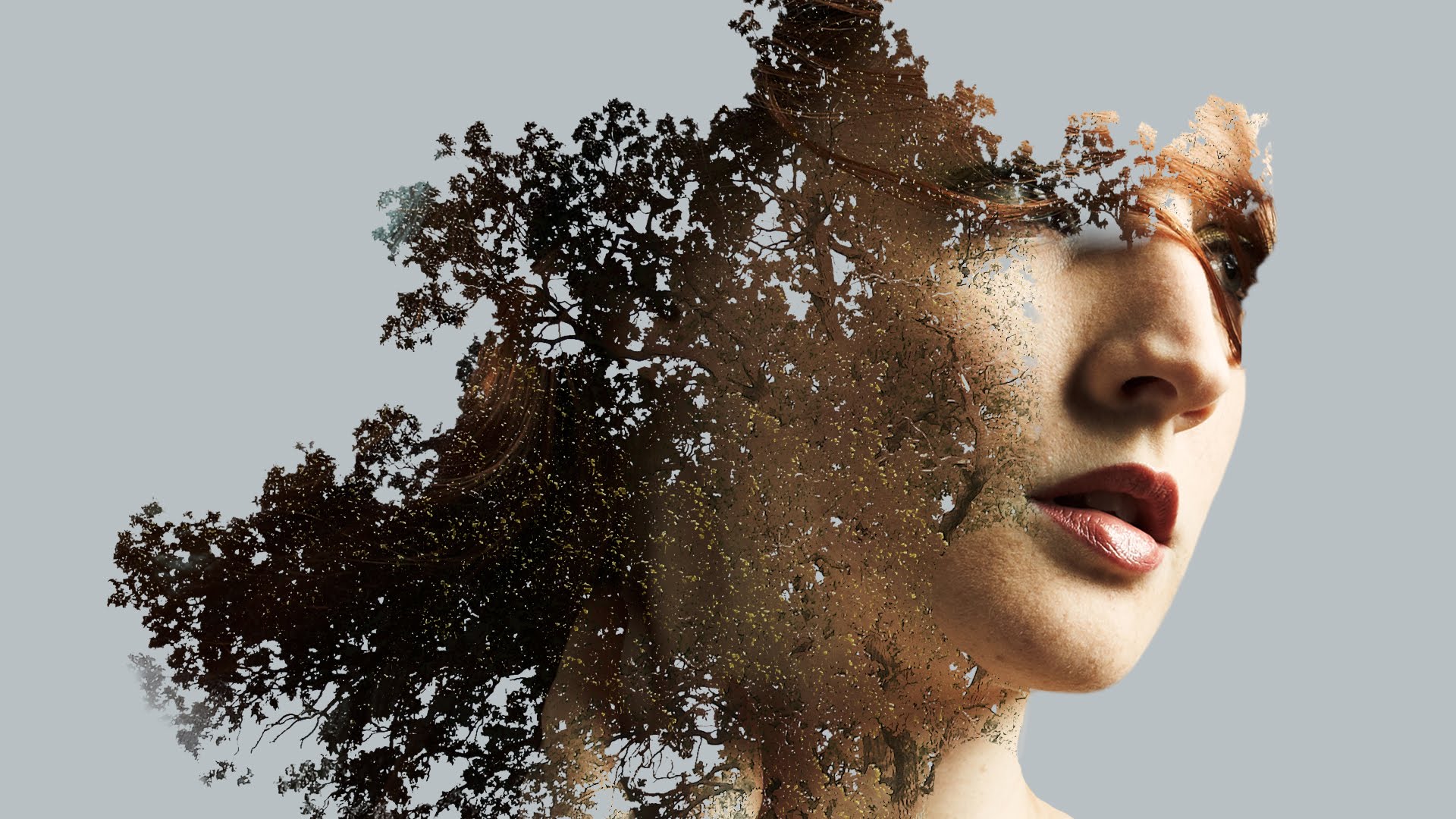
Photoshop expert Howard Pinsky demonstrates how to create an advanced double exposure image using Photoshop. As we have noted in our previous video on creating a double Exposure image in Photoshop by Aaron…
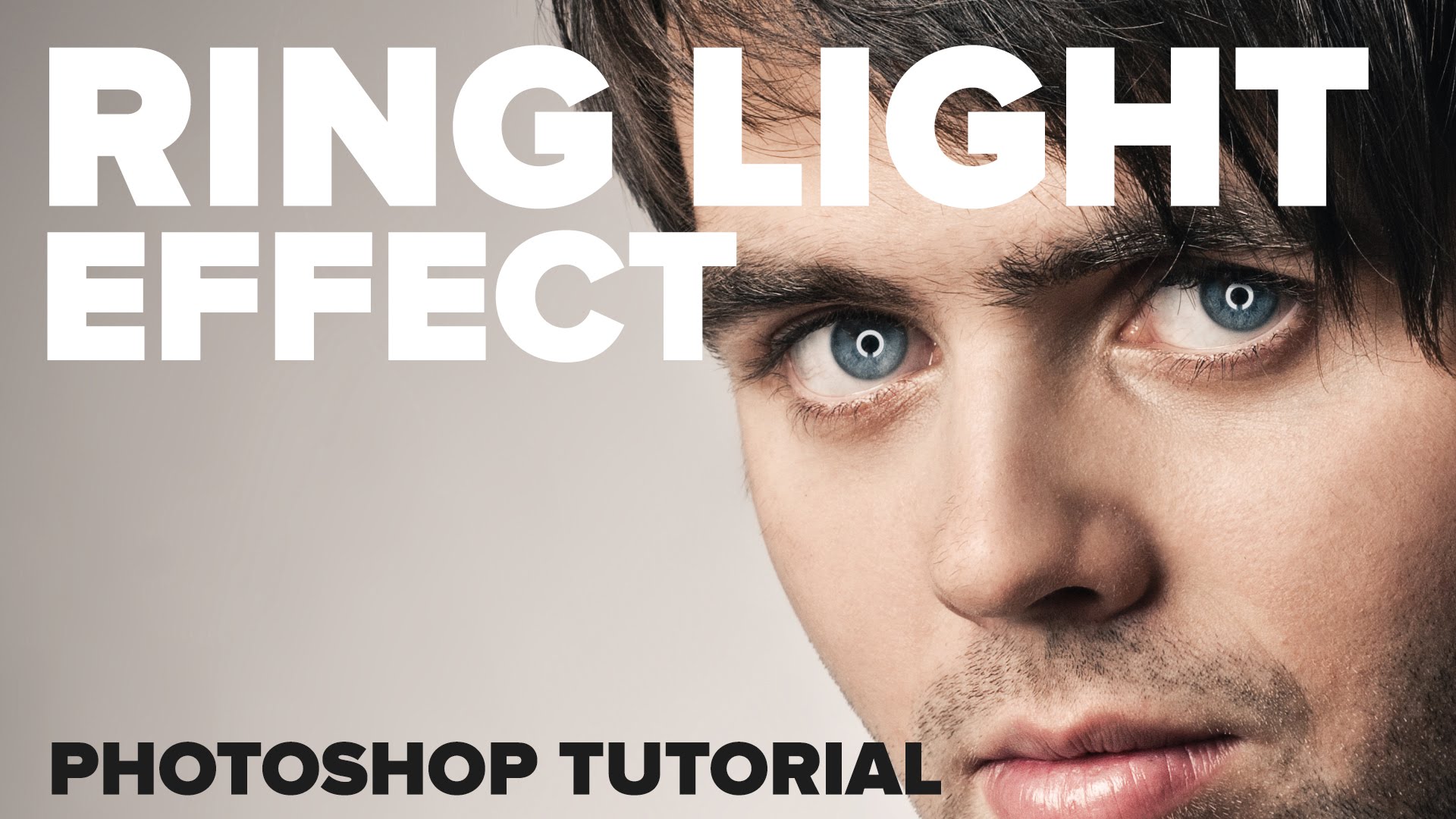
If you like that somewhat glowing ring light look but you didn’t use a ring flash for your photo you can still try and create it using Photoshop as Howard Pinsky demonstrates…
This website uses cookies to improve your experience. We'll assume you're ok with this, but you can opt-out if you wish. Cookie settingsACCEPT
Privacy & Cookies Policy
Privacy Overview
This website uses cookies to improve your experience while you navigate through the website. Out of these cookies, the cookies that are categorized as necessary are stored on your browser as they are essential for the working of basic functionalities of the website. We also use third-party cookies that help us analyze and understand how you use this website. These cookies will be stored in your browser only with your consent. You also have the option to opt-out of these cookies. But opting out of some of these cookies may have an effect on your browsing experience.
Necessary cookies are absolutely essential for the website to function properly. This category only includes cookies that ensures basic functionalities and security features of the website. These cookies do not store any personal information.
Any cookies that may not be particularly necessary for the website to function and is used specifically to collect user personal data via analytics, ads, other embedded contents are termed as non-necessary cookies. It is mandatory to procure user consent prior to running these cookies on your website.